
Starter
For those starting to render with AI.
US$ 26 US$ 21 /month on the yearly plan
About 64 images per month
At 1.5K, with 5,000 credits
From 3D model to final image, without losing control
of the scene or burning through your credits.
No jumping between tools and no burning credits on trial and error. You model as usual, and Cora reads the exact scene you built.
Traditional rendering
General-purpose AI
With Cora

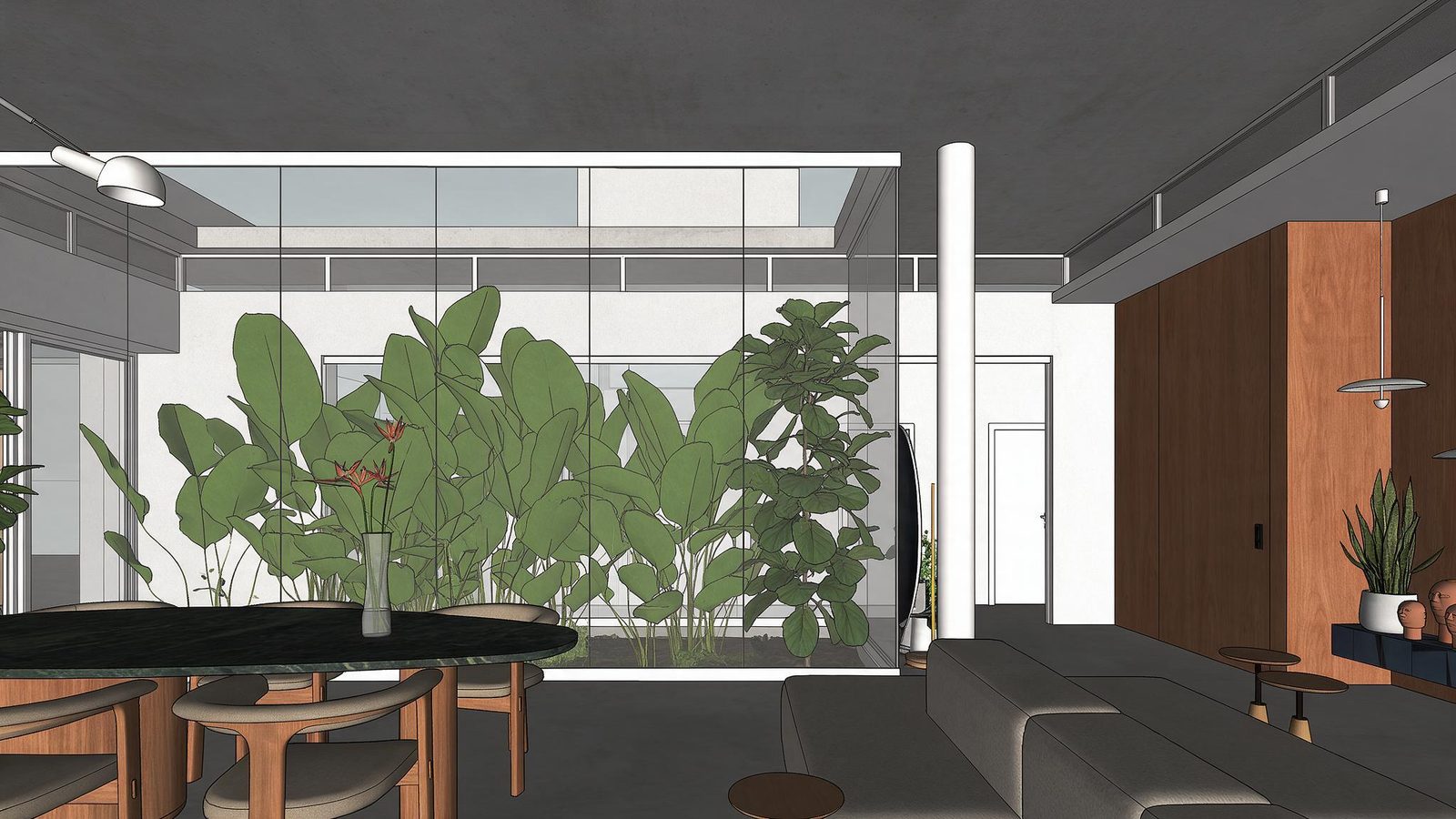
The raw scene in SketchUp, without treated materials and without light. Drag to compare with the render generated by Cora.
@mateuspinheiroarq
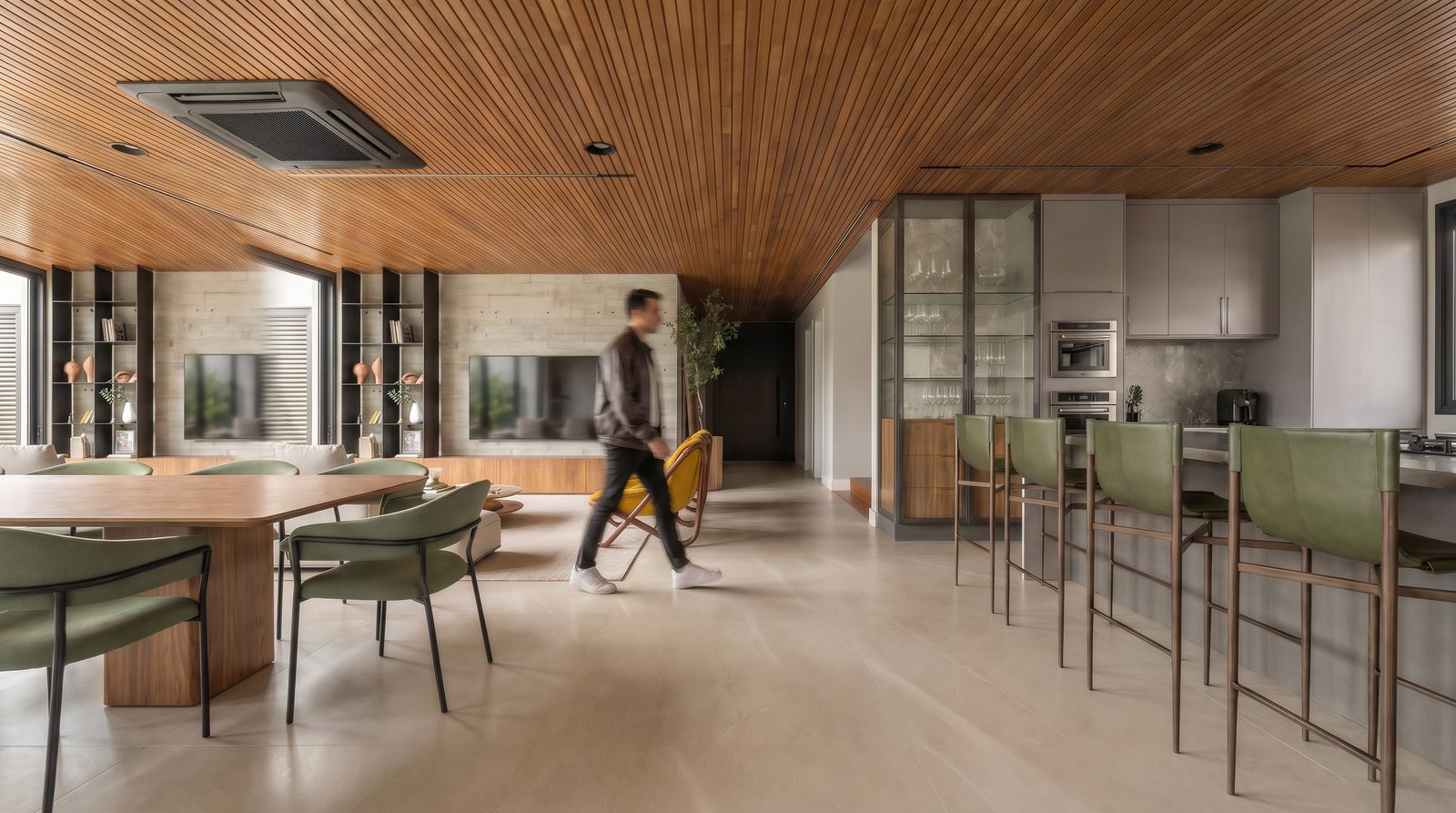

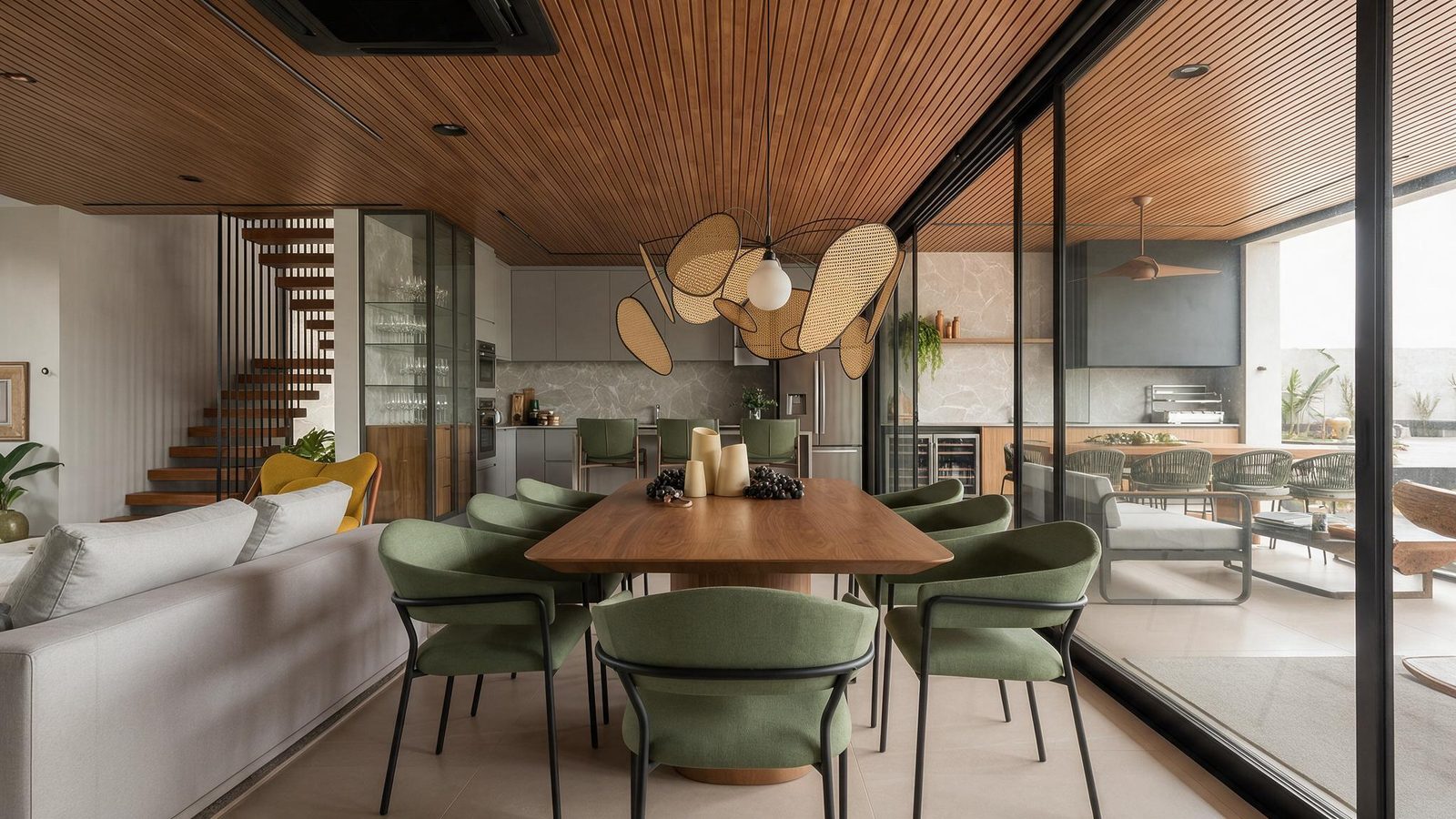
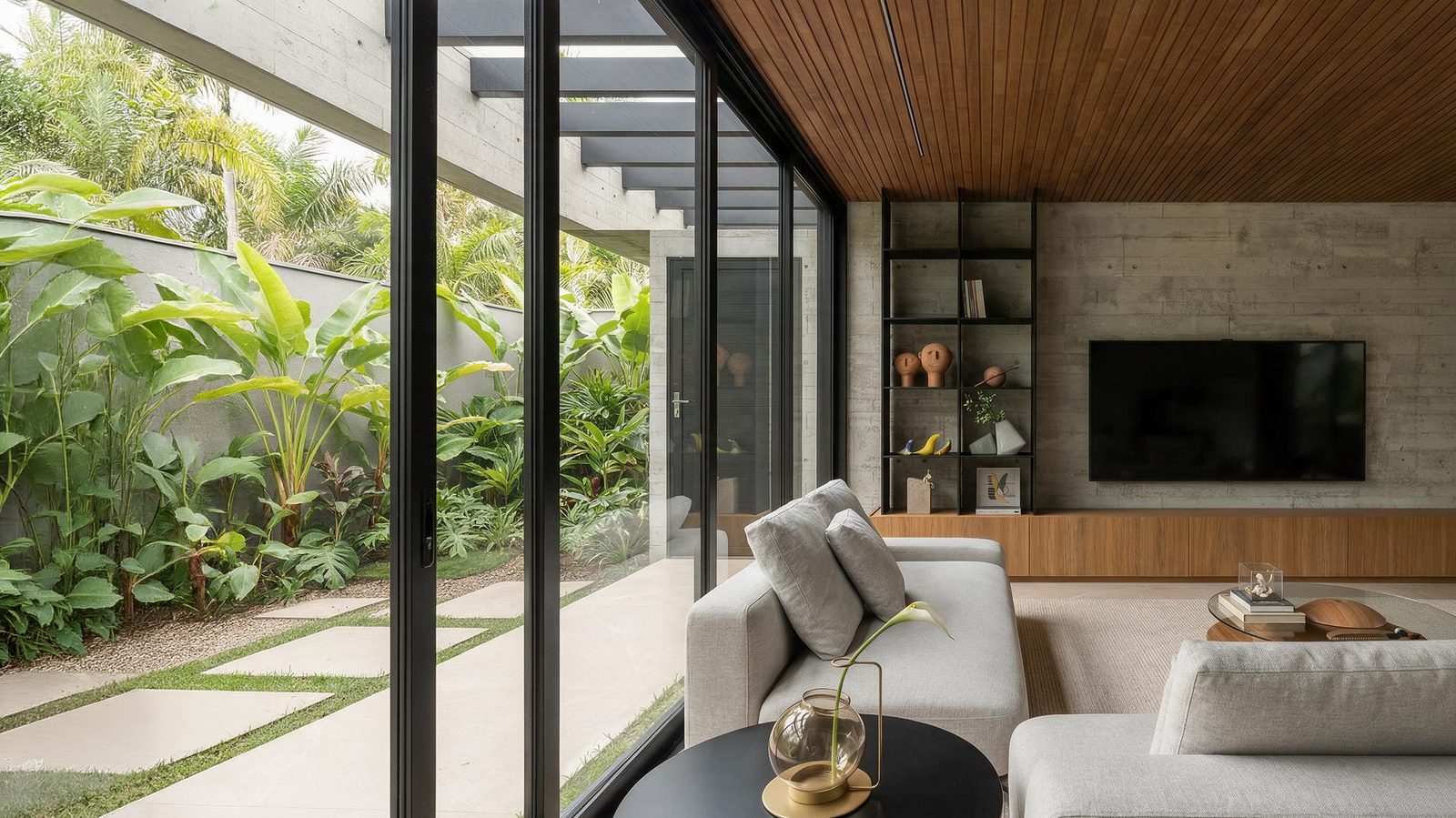
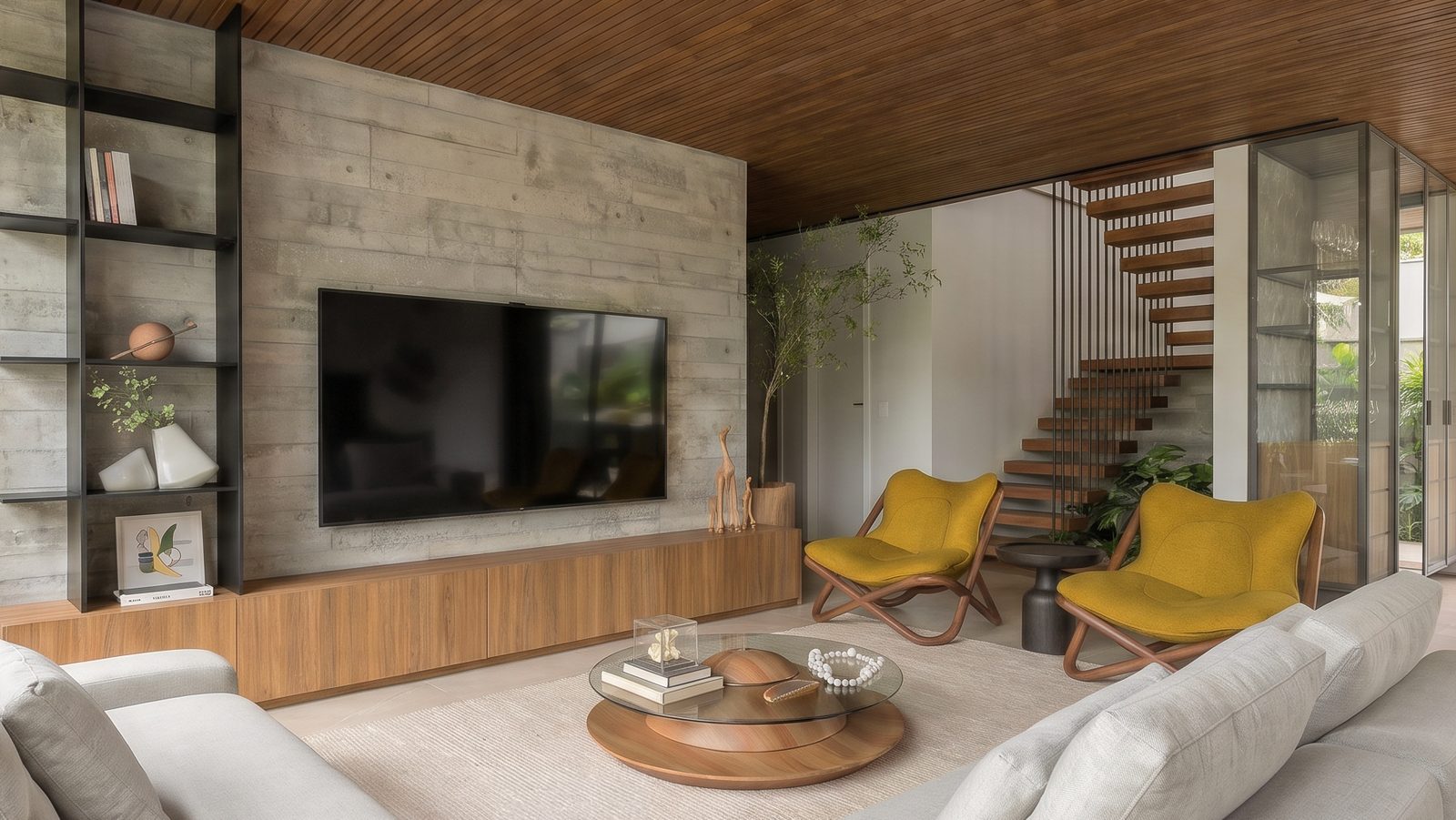
Same space, five cameras. The wood, flooring, and light remain the same in every image.
@9barra7
The reflection shows the actual environment in the model.
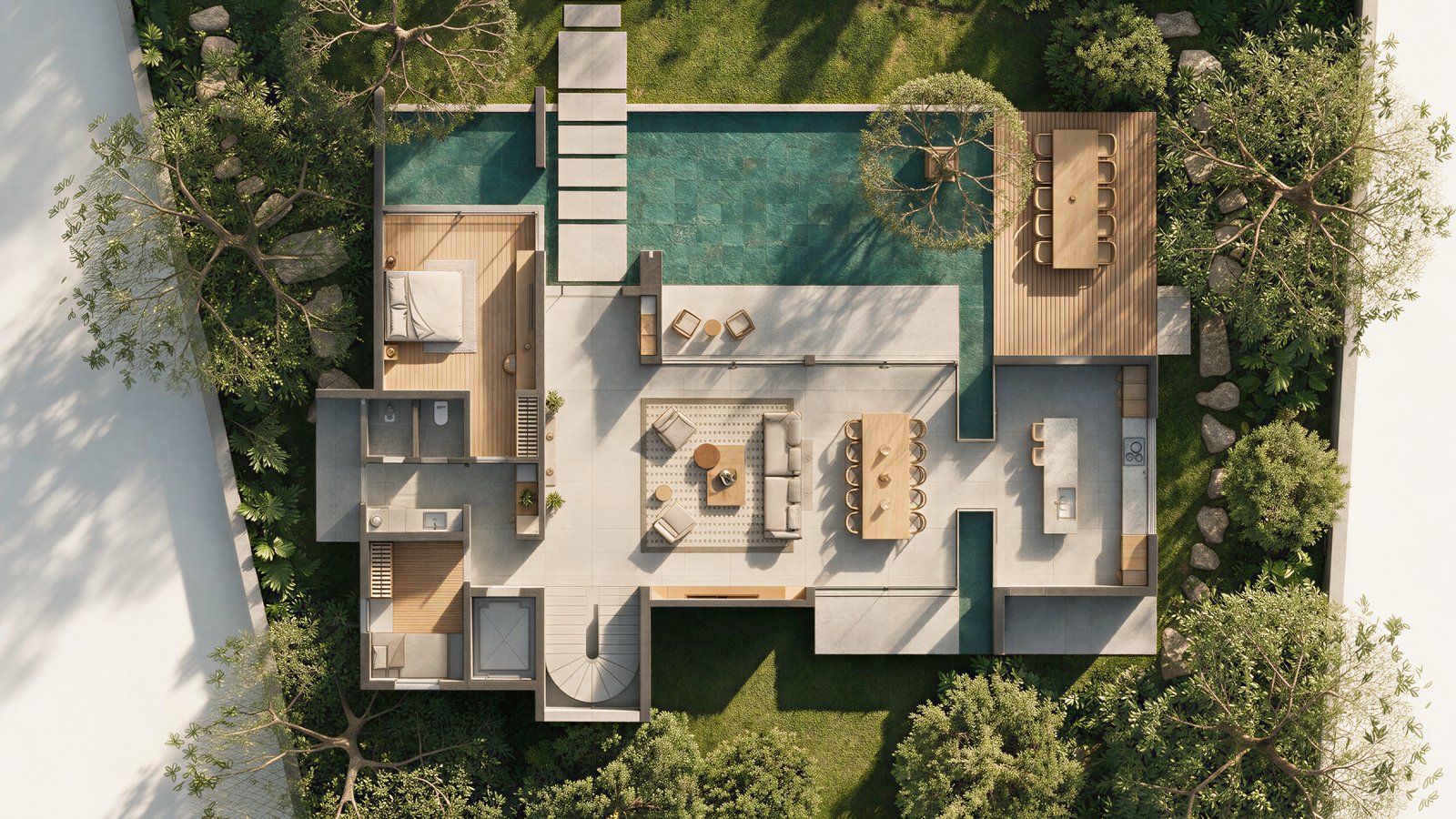
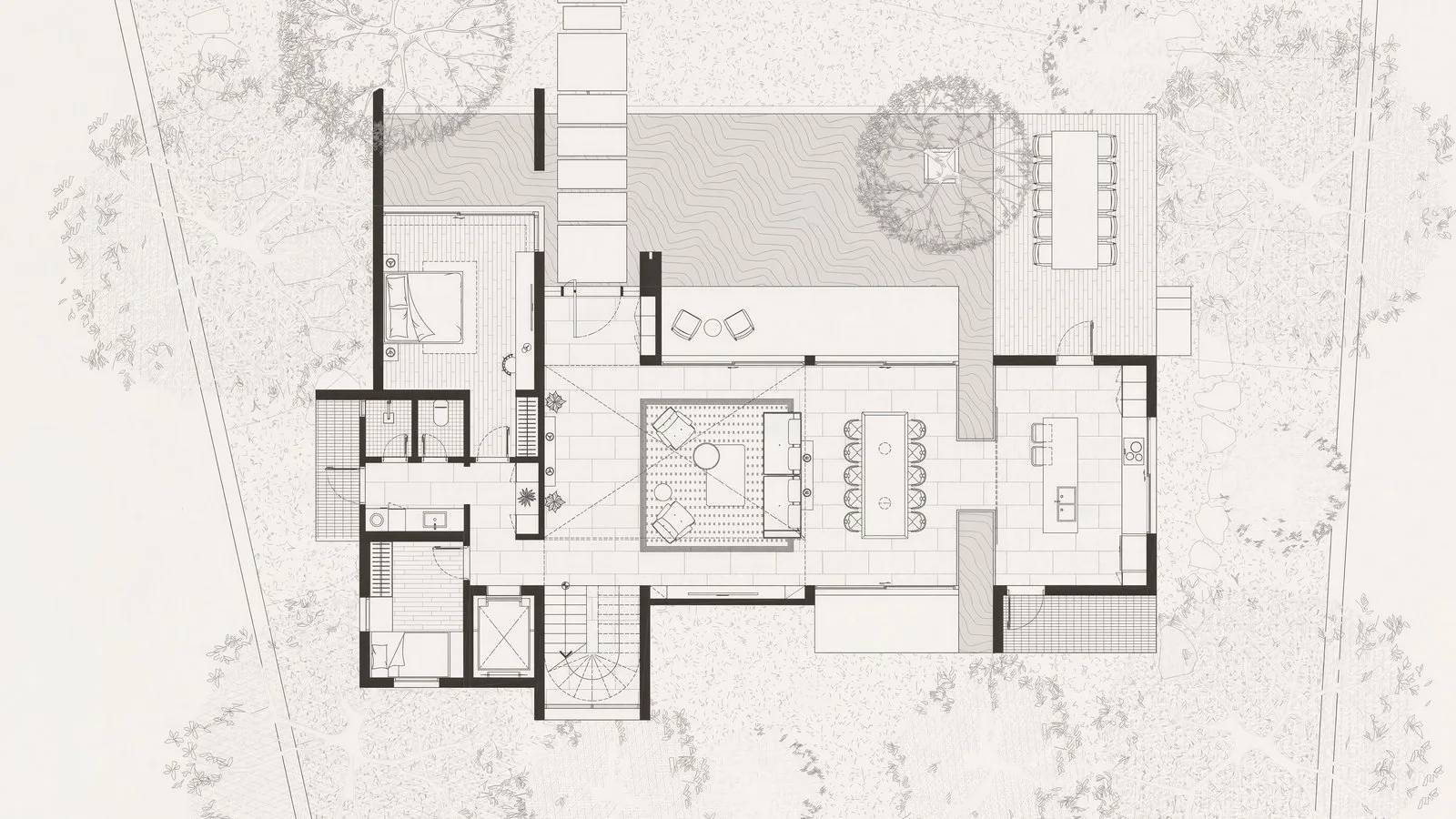
The technical drawing and the furnished floor plan generated from it.
Drag to explore the space.
Cora reads the scene, generates, edits and finishes, in layers,
until the image is ready for the presentation.
In SketchUp or in the browser, with the same account.
Upload a screenshot, a site photo, a sketch or an image from Revit, Archicad or Vectorworks. Generate, edit and upscale in the browser.
Your history opens on computer, tablet and phone. The 360° spin stays in the plugin, because it uses the camera of the model.
Marilia Fischer is an architect with 10+ years in ArchViz and founder of 9barra7, a rendering studio serving builders and architecture firms.
Cora Render grew out of her workflow: these are tools she uses in the studio and teaches at 9barra7 Academy.
2,000+
students in 12 countries
10+
years of experience

“AI does not know your client, the design intent, or which architecture decisions are non-negotiable. That judgment remains yours. Cora accelerates the rest.”
Starter
For those starting to render with AI.
US$ 26 US$ 21 /month on the yearly plan
About 64 images per month
At 1.5K, with 5,000 credits
Pro Recommended
For those who render often.
US$ 52 US$ 43 /month on the yearly plan
About 153 images per month
At 1.5K, with 12,000 credits
Studio
For studios with a high volume of images.
US$ 130 US$ 110 /month on the yearly plan
About 448 images per month
At 1.5K, with 35,000 credits
Cora Teams
For firms and teams: one subscription for several seats, all managed in one place.
From 2 to 10 seats. More than 10 people? Our support team will set it up with you.
Teams Pro
For teams that render often.
US$ 52 US$ 43 /month per seat on the yearly plan
About 153 images per month
At 1.5K, with 12,000 credits on each seat
Teams Studio
For studios with a high volume of images.
US$ 130 US$ 110 /month per seat on the yearly plan
About 448 images per month
At 1.5K, with 35,000 credits on each seat
Changed your mind? In the first 7 days, you can cancel the plan and get the value of the credits you did not use back on your card.
See what is included in each plan and how far it goes each month. The numbers assume images at 1.5K.
| Starter | Pro | Studio | |
|---|---|---|---|
| Renders | 64 | 153 | 448 |
| Editing and physical model | 108 | 260 | 760 |
| 360° | 108 | 260 | 760 |
| Fill and expand | 102 | 244 | 714 |
| 5s animation | 35 | 102 | |
| Timelapse and Narrative Director | |||
| Post-production | |||
| Upscale | up to 4x | up to 16x | up to 16x |
| Priority queue | |||
| Priority support on WhatsApp | |||
| Credits per month | 5,000 | 12,000 | 35,000 |
Each number assumes a single tool. You split the credits of the month across the tools however you like. See what each tool uses
No. The plugin is the entry point for SketchUp users, but the web version starts from any image. If you work in Revit, Archicad, 3ds Max, Vectorworks, or create hand sketches, upload your image and start in the browser. Account, credits, and history are shared across both versions.
SketchUp 2022 and later. Keeping SketchUp on its latest version is still the best choice, since that is where the plugin runs lightest. If your SketchUp is older, the Cora web version works with a screenshot of your scene.
Yes, that is the goal. Cora was built so you no longer rely on heavy, slow renderers. Instead of spending hours setting up physical lights, material maps, and waiting on your machine, you generate presentation quality images in minutes, straight from your model.
Credits are the unit consumed by AI on each generation. Every plan includes a monthly quota. Starter, for example, includes 5,000 credits, about 64 images in 1.5K. Local plugin tools do not use AI and do not consume credits.
No. Each month your quota refreshes to your plan amount. Unused credits from the previous month do not roll over. On-demand top-ups work differently: they remain available for 6 months and are only used once plan credits run out.
Yes. Reading uses AI, so it carries a generation cost. But you pay once: every reading is saved in the Analyses tab and can be reused in future renders of that scene, in the plugin or browser.
You can purchase a top-up at any time. Extra packages are in your account dashboard, apply instantly, and do not depend on your renewal date. They are only consumed after plan credits run out, and stay valid for 6 months.
Create an account and get 7 days to explore the platform and use all local plugin tools that run on your computer: material organization, Material ID, mirror and glass, model optimization, and purge. Image generation comes with a plan, which provides the credits. No credit card required for the trial. To try image generation, subscribe and use the 7 days to cancel your purchase.
No. Weak prompts are why AI makes mistakes, so that task is handled for you. Each Cora tool has an agent that writes technical prompts from your everyday description. Describe your project as you would to a colleague, and the technical side is handled automatically.
Yes. On any plan, the web version supports up to 3 devices and the plugin up to 2 computers, one at a time. You can manage and remove devices from your account dashboard.
No. It organizes and reads the libraries you already have: materials in .vrmat (V-Ray format) and components in .skp. If you already have a V-Ray library, point to the folder and keep working without converting anything.
Yes. Account verification and AI processing happen in the cloud. With the plugin open, local modeling tools keep working even if your connection drops.
It happens. AI is probabilistic, and the same scene can yield different results. That is why the Edit tab exists: instead of rendering from scratch, fix only the affected area and preserve the rest of the image.