
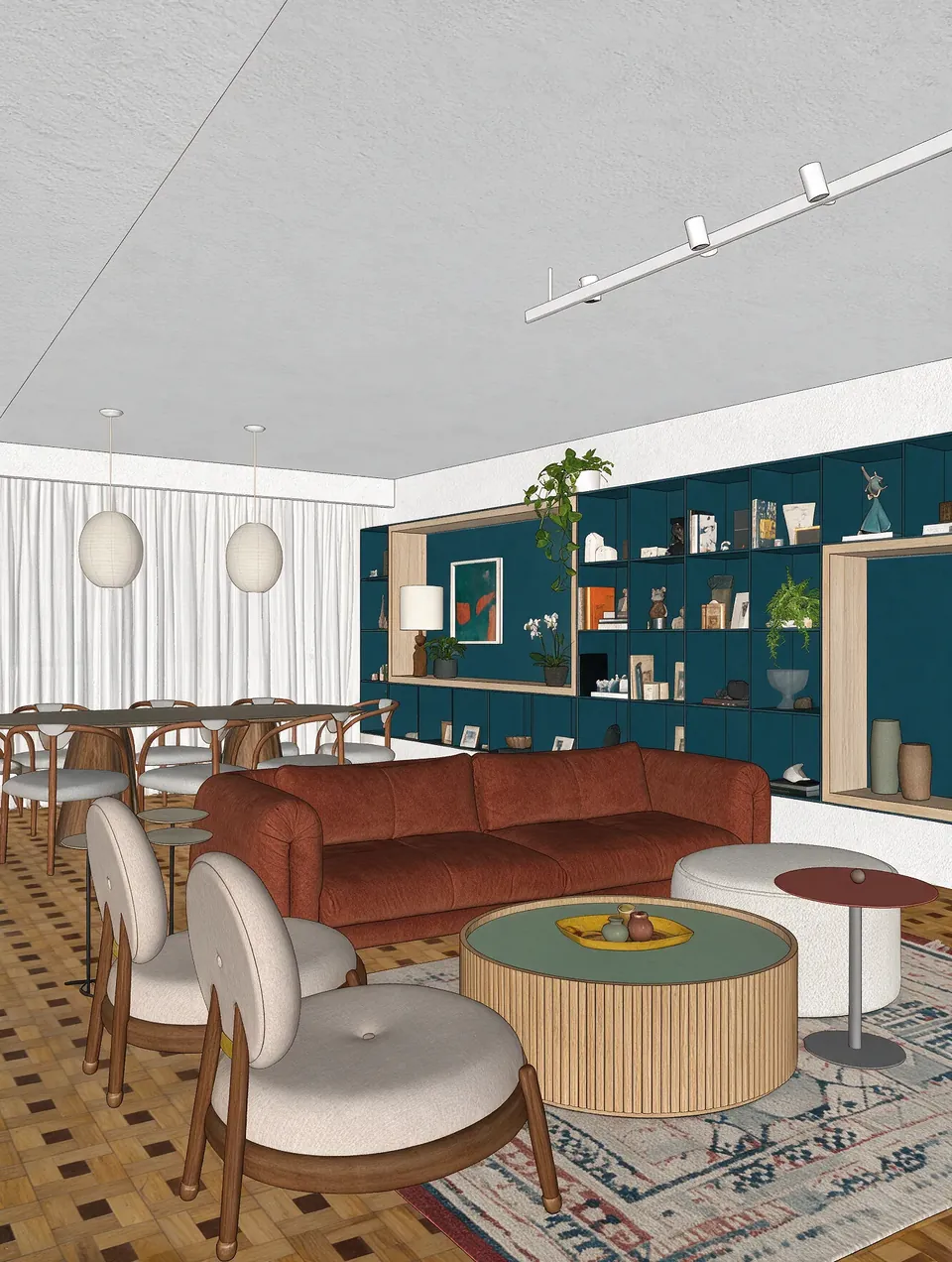
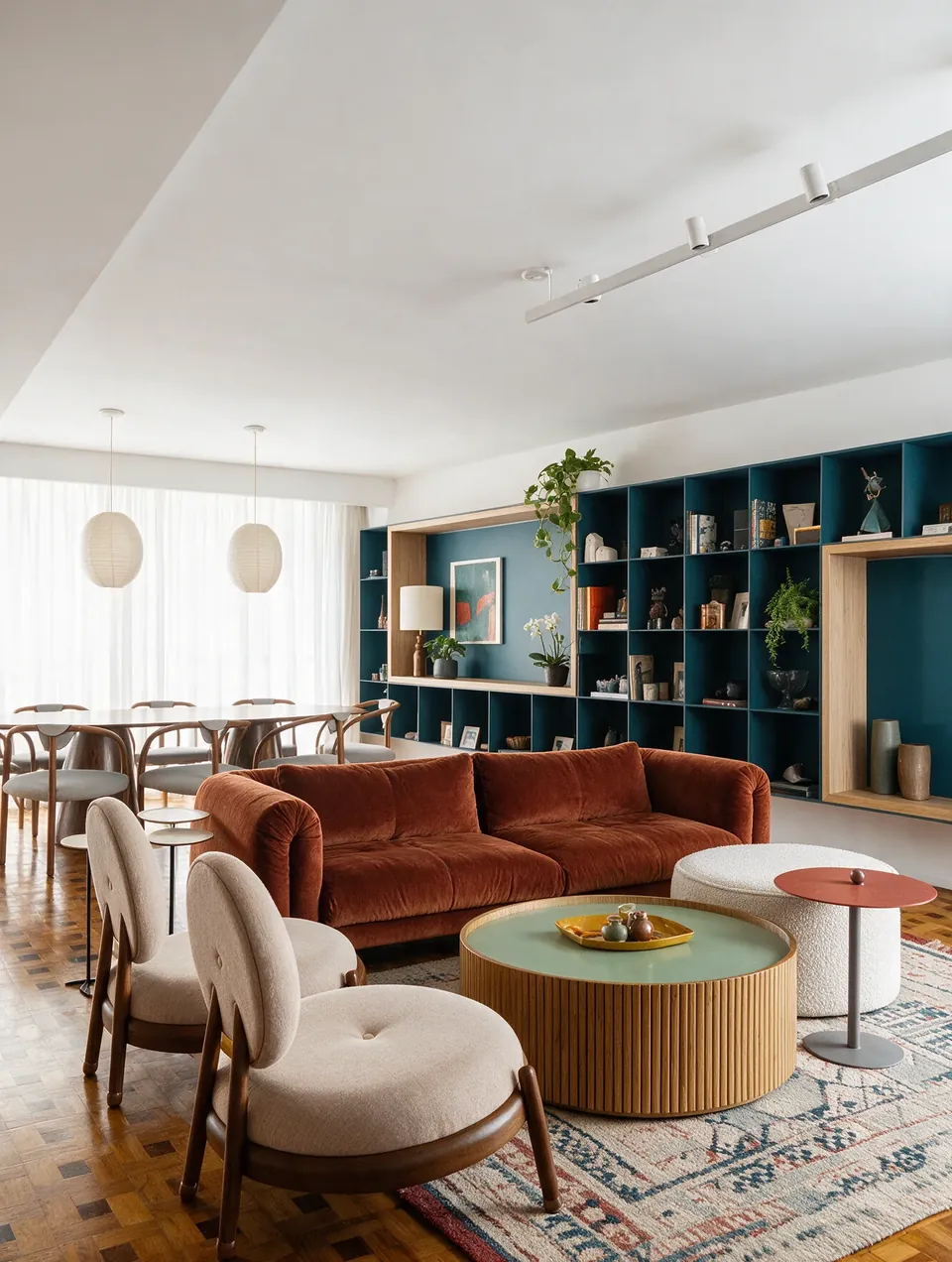
Renders from screenshots
Interior or exterior, with the geometry and materials of your scene.
Cora generates the render from your model in minutes,
consistent from every angle.
The problem
You generate the living room from one angle. Then from another. In the second image, the sofa is no longer the same. A vase you never drew shows up in the mirror.
Then the cycle begins:
The time meant for the design goes into the render.
Traditional rendering
General-purpose AI
With Cora
One project, seven angles
Seven cameras of the same studio, all from the same model. The same sofa, the same chairs and even the same pictures on the wall.
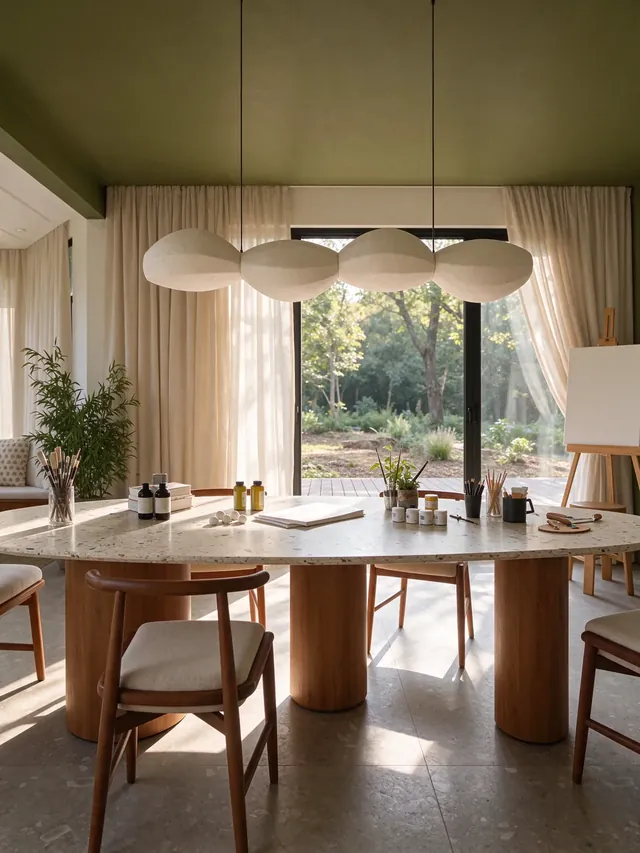
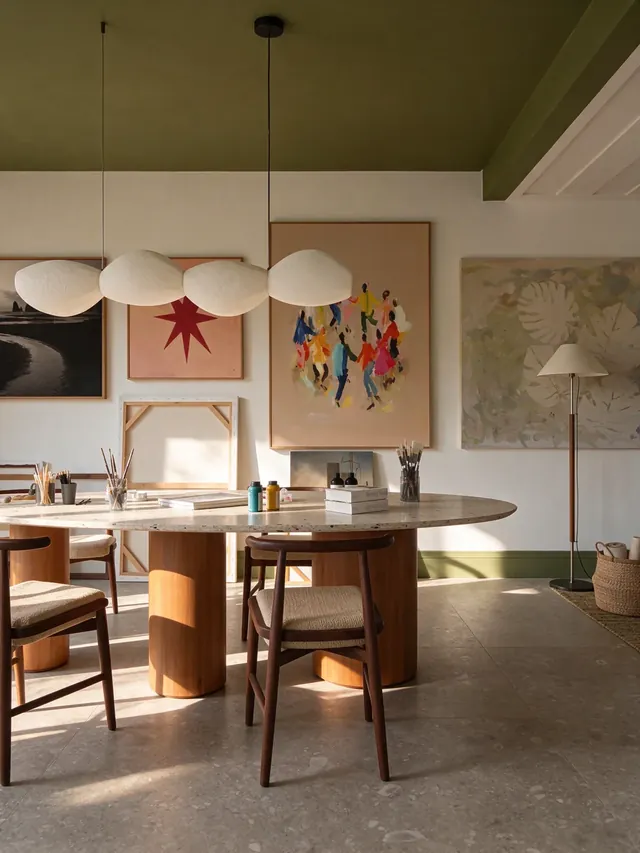
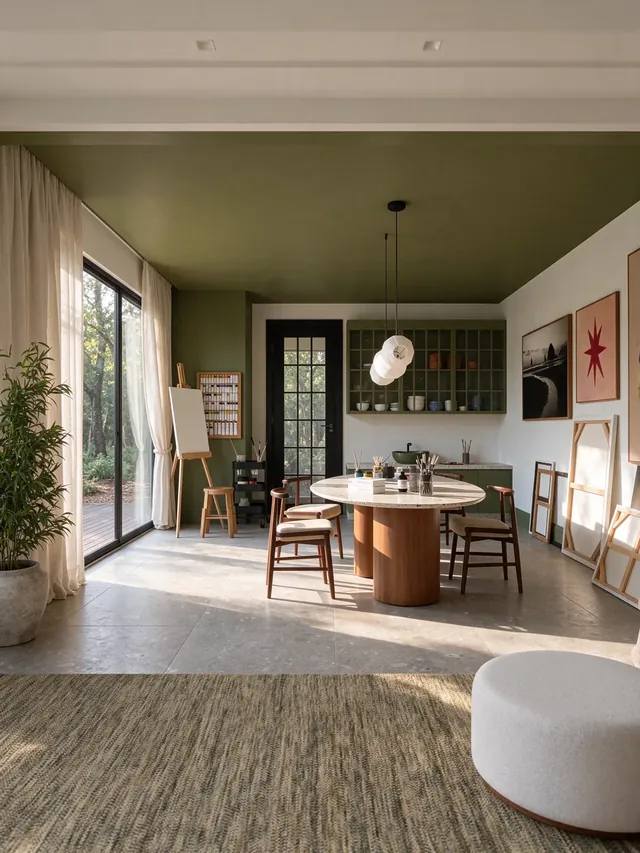
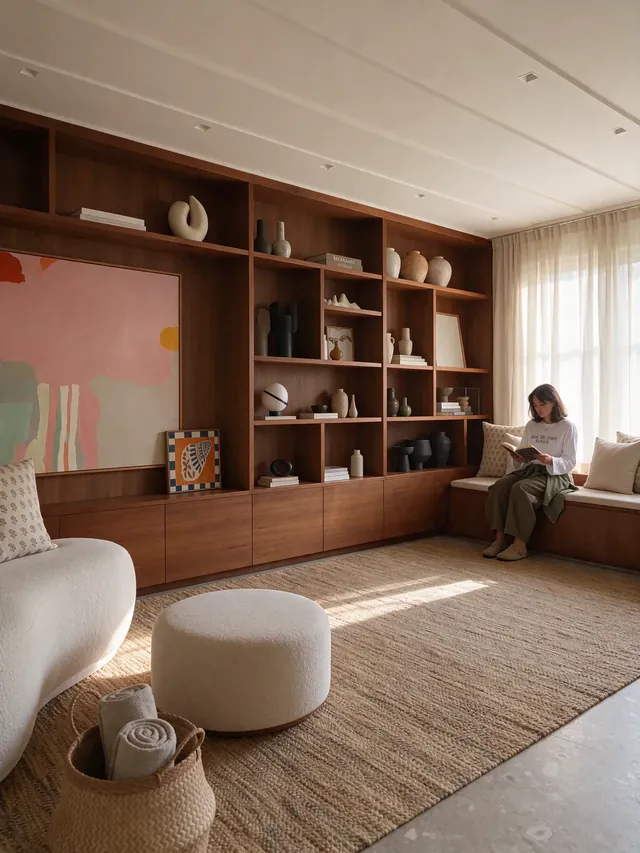
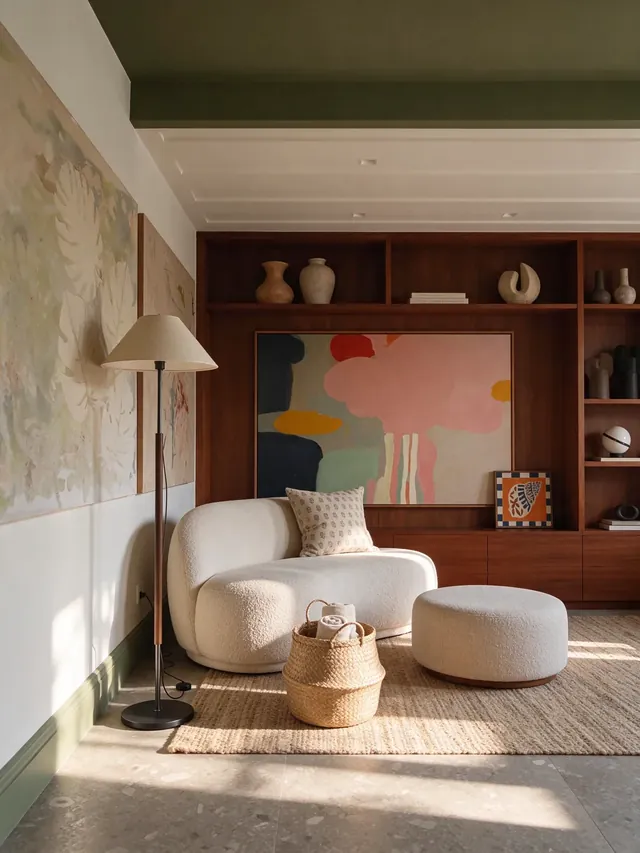
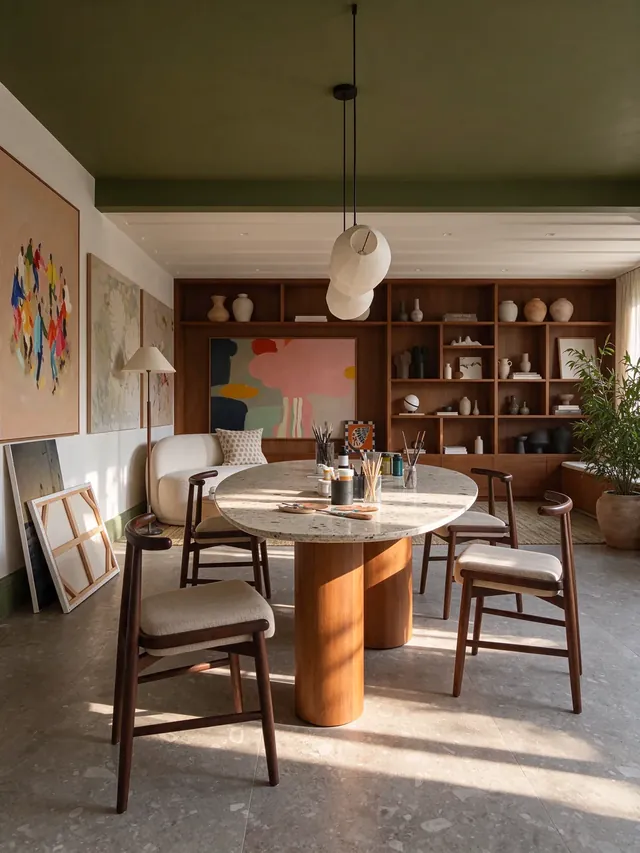
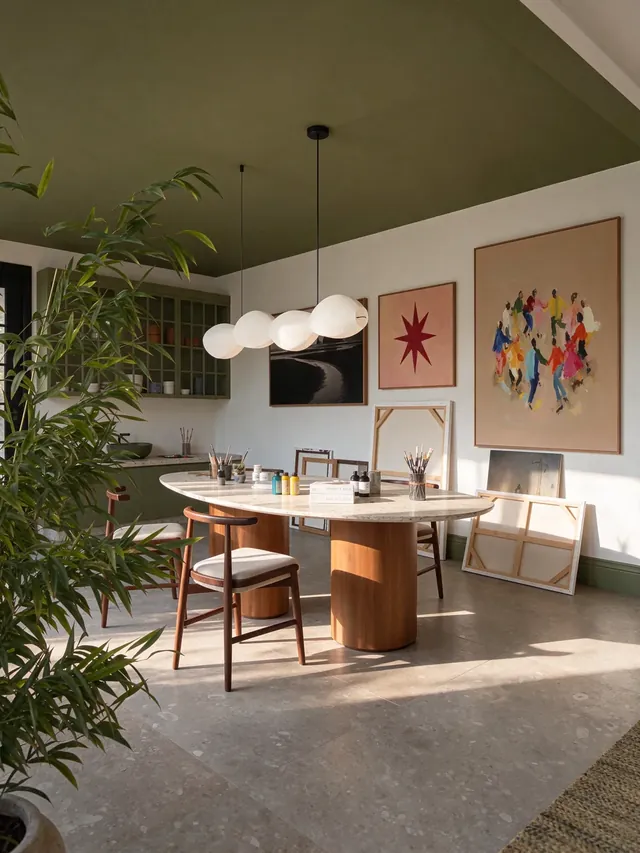
You model as usual, and Cora reads the exact scene you built.
If you're not sure what to ask for, write it the way you'd explain it to a colleague at the office. Cora's assistant turns your request into the technical prompt.
Plugin, web and app
In SketchUp, Cora comes in as a plugin. Without SketchUp, you use the web version or the app, on your computer, phone and tablet. The account and the credits are the same.
Cora reads the scene open in SketchUp: the materials, the light and the viewport framing. The image comes out with the design that is in the file. Tools come along to organize materials, project textures and make the file lighter.
Upload a screenshot, a site photo, a sketch or an image from Revit, Archicad, 3ds Max or Vectorworks. Generate, edit and upscale in the browser, with nothing to install.
Install Cora on your phone, tablet or computer and open it straight from the home screen. Your history and your credits stay in sync, all in one place.
Marilia Fischer is an architect with 10+ years in ArchViz (architectural imagery) and founder of 9barra7, a rendering studio serving builders and architecture firms.
Cora Render grew out of her workflow: these are tools she uses in the studio and teaches at 9barra7 Academy.
2,000+
students in 12 countries
10+
years of experience

“AI does not know your client, the design intent, or which architecture decisions are non-negotiable. That judgment remains yours. Cora accelerates the rest.”
People already using it
Images from subscribers, generated from their own projects.
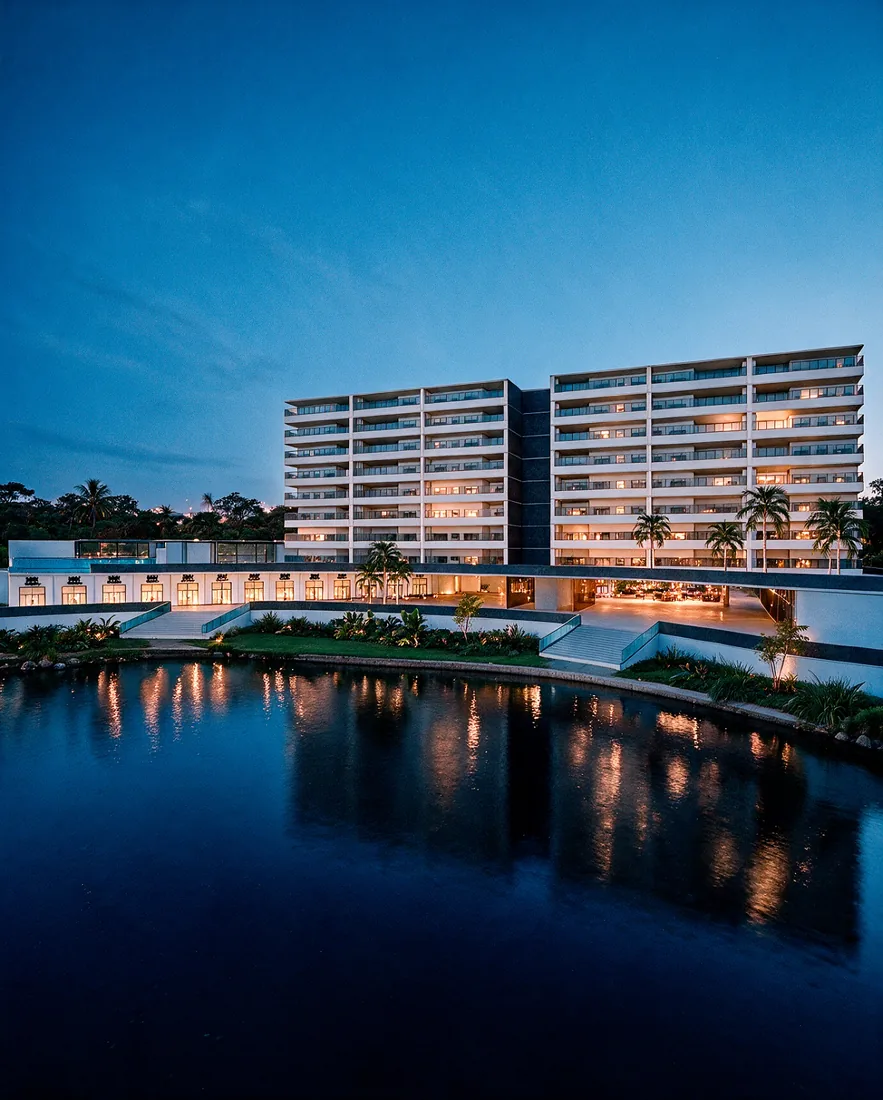
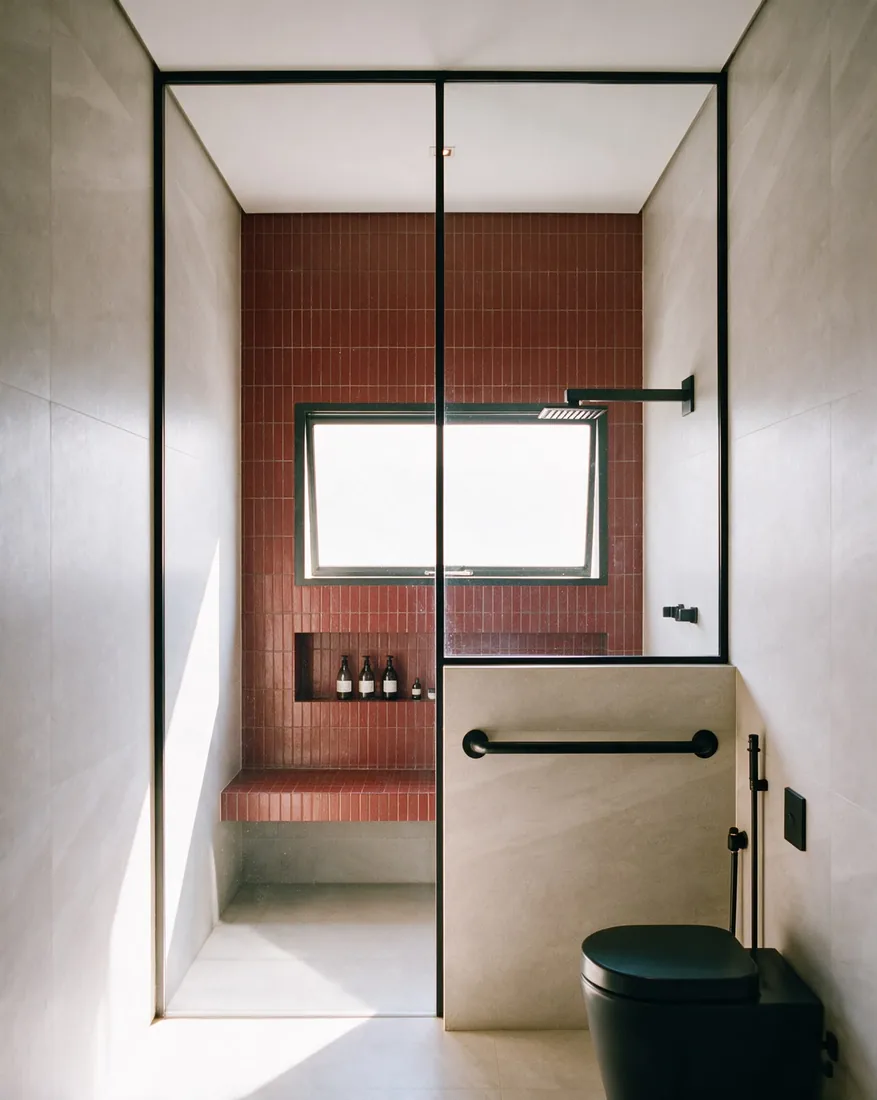
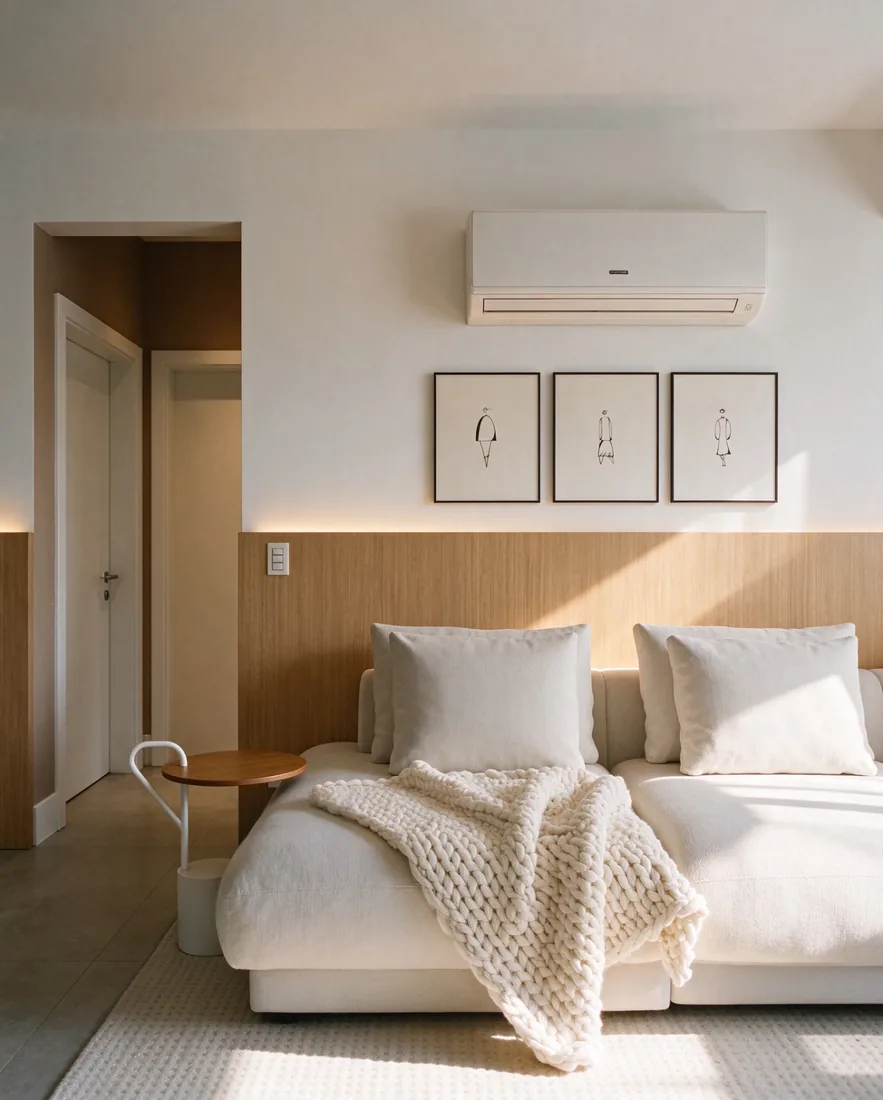
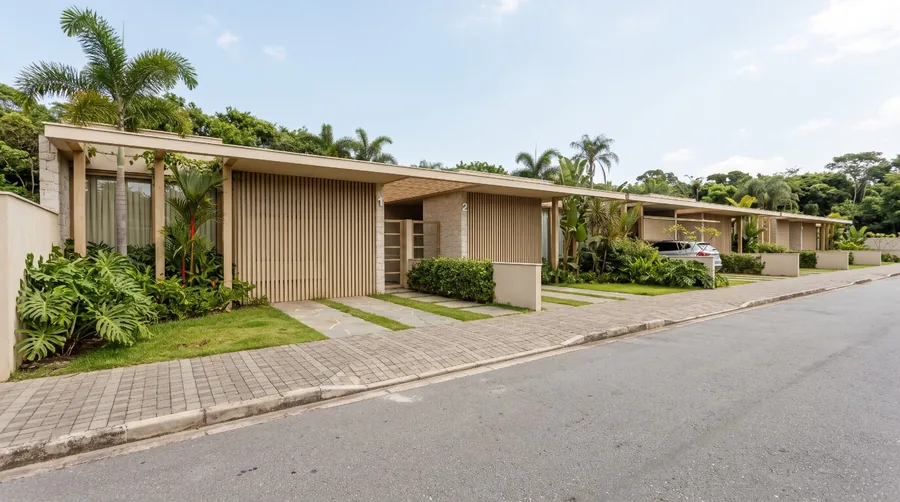
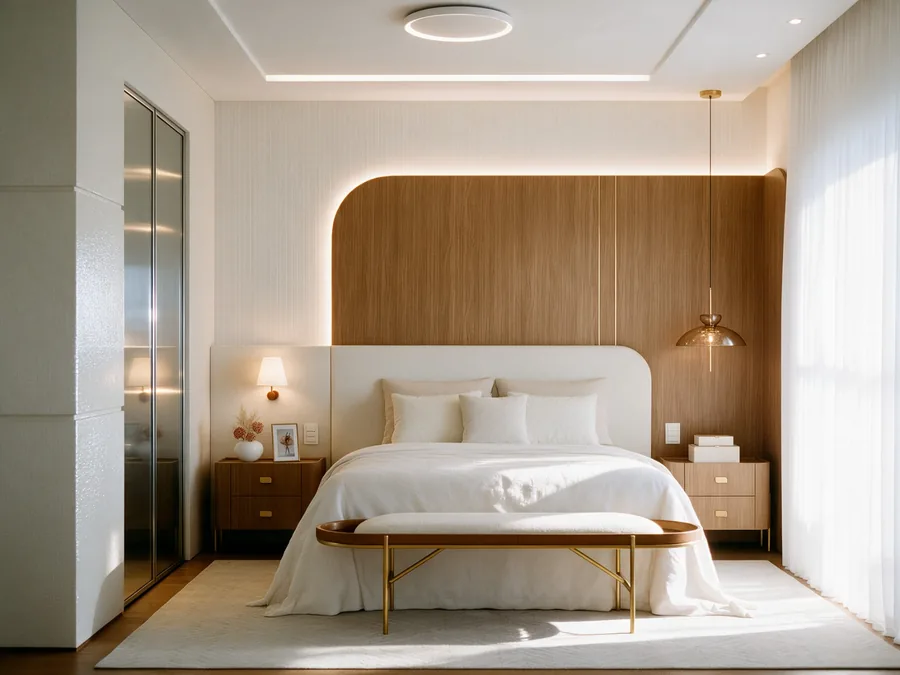
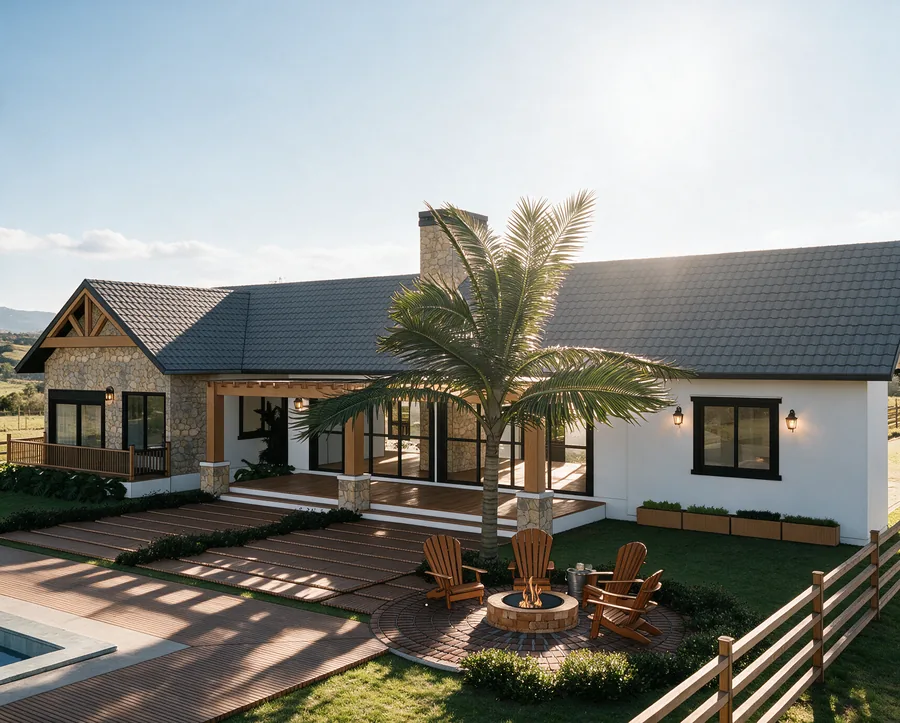
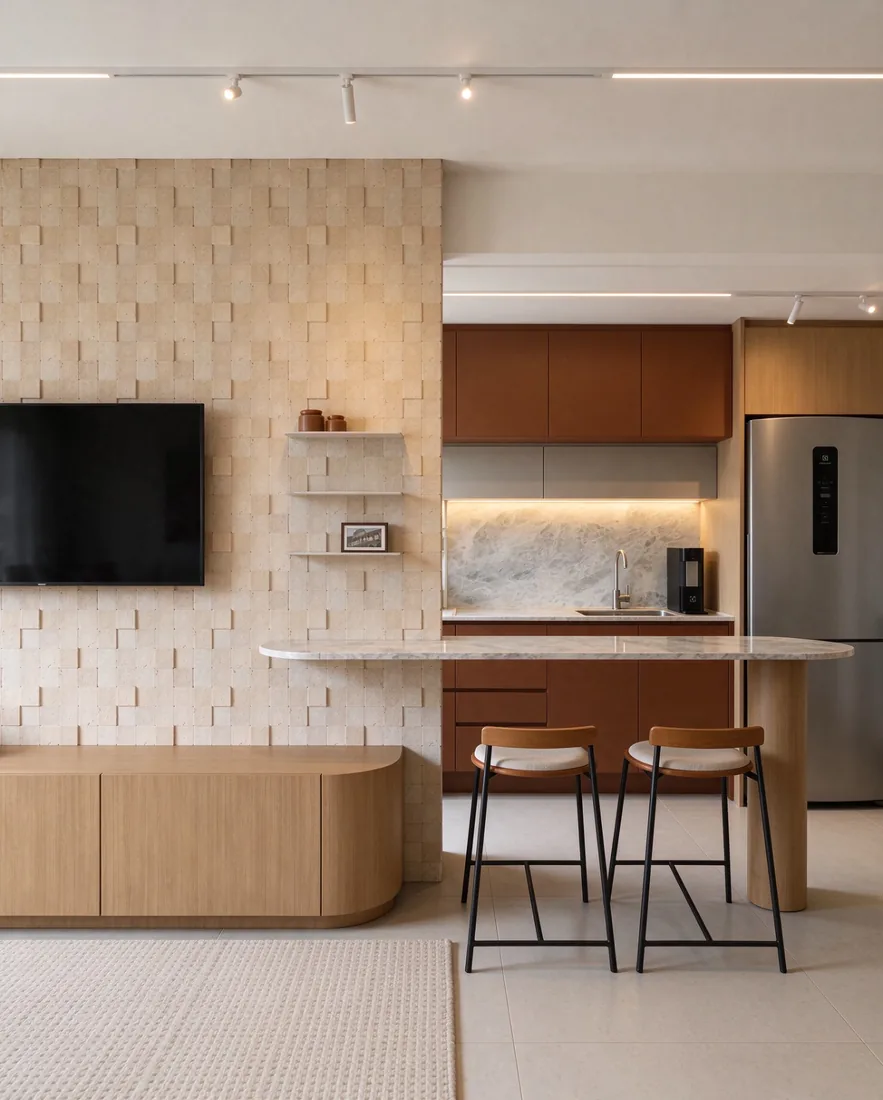
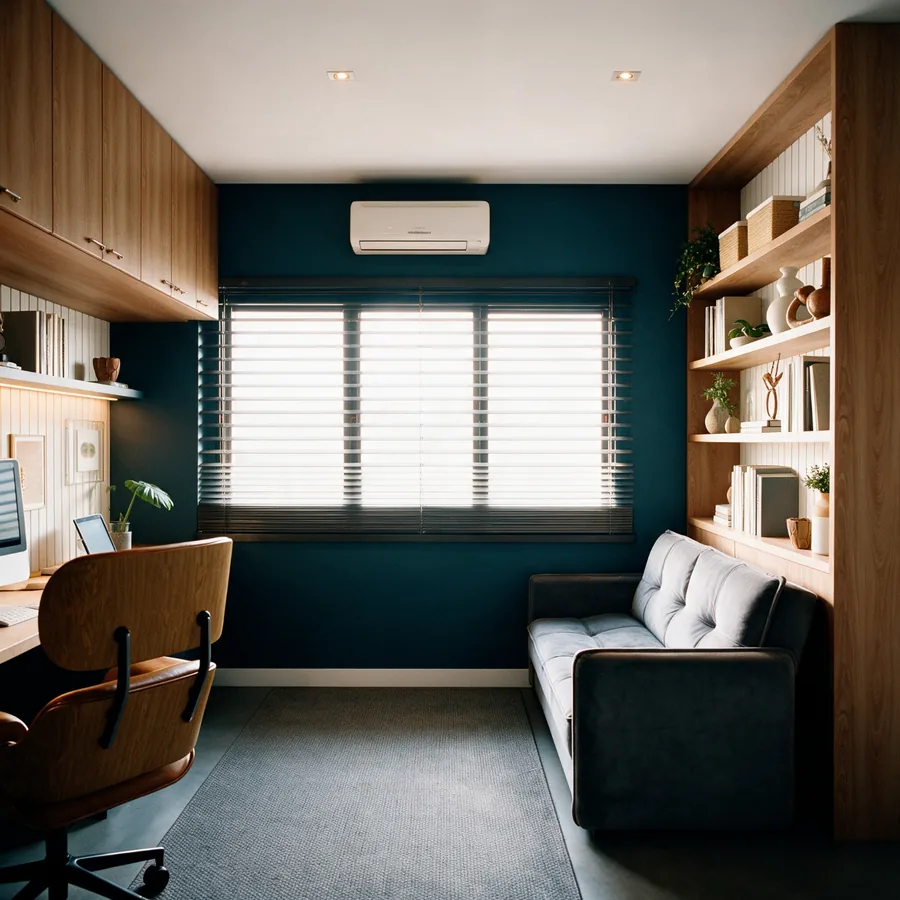
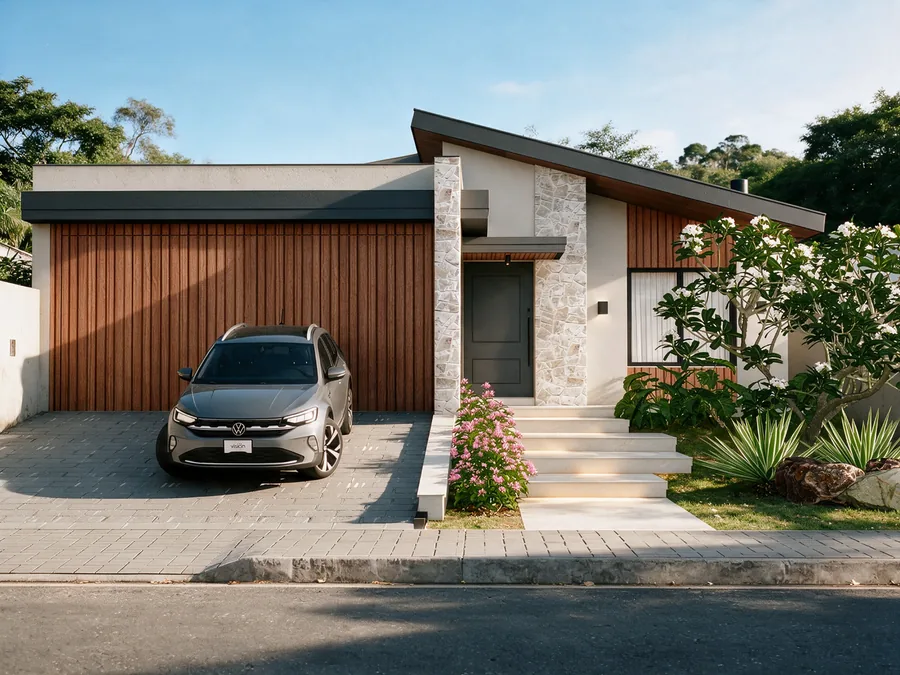
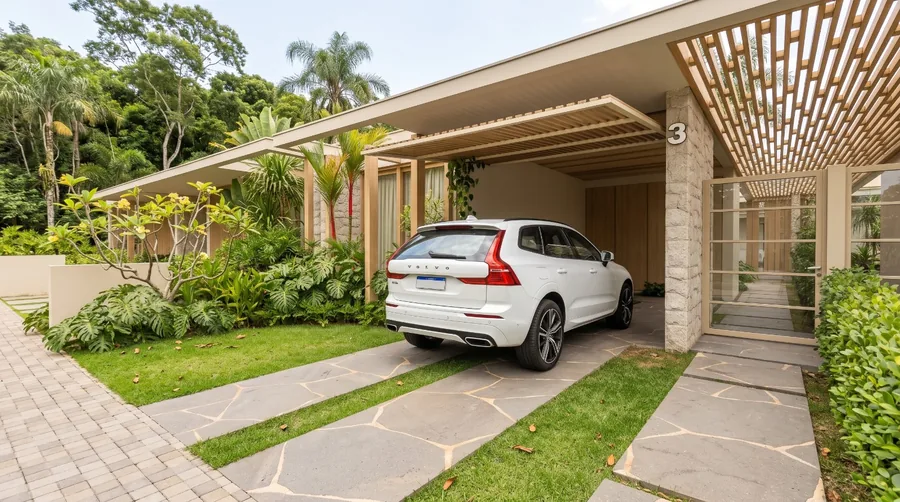
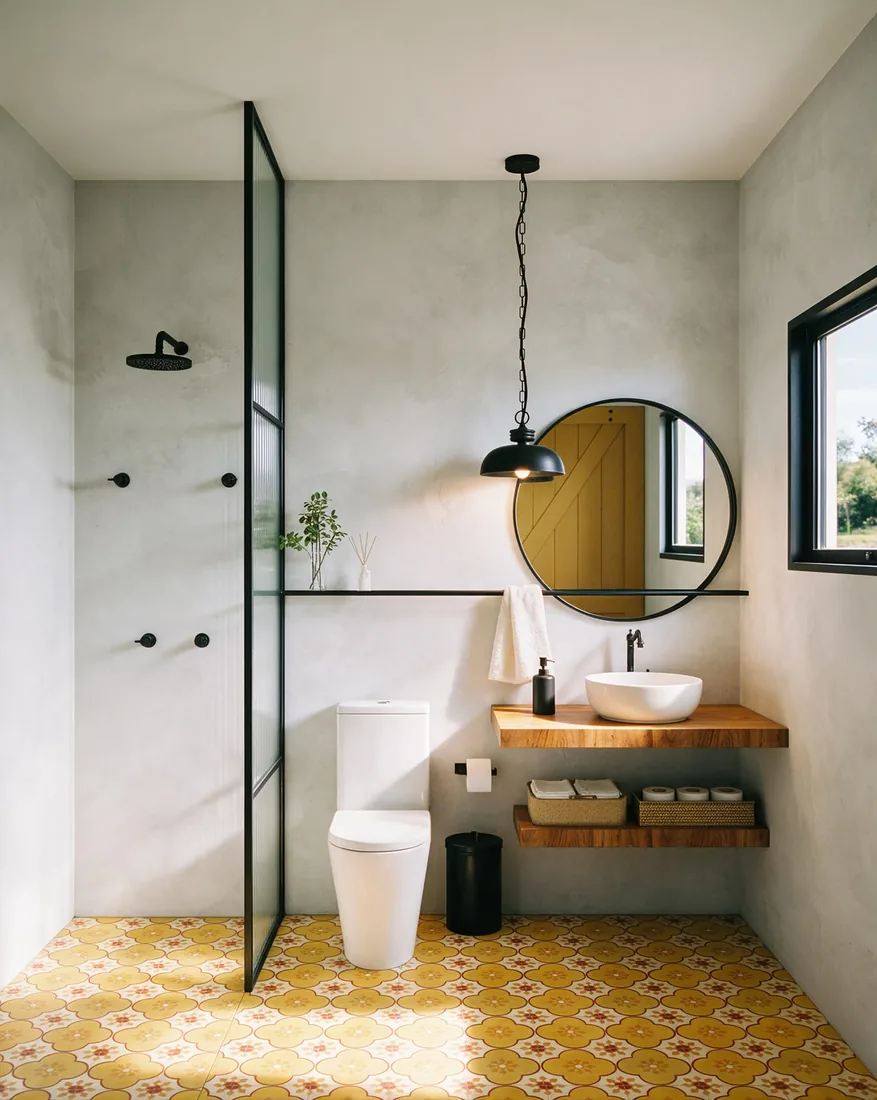
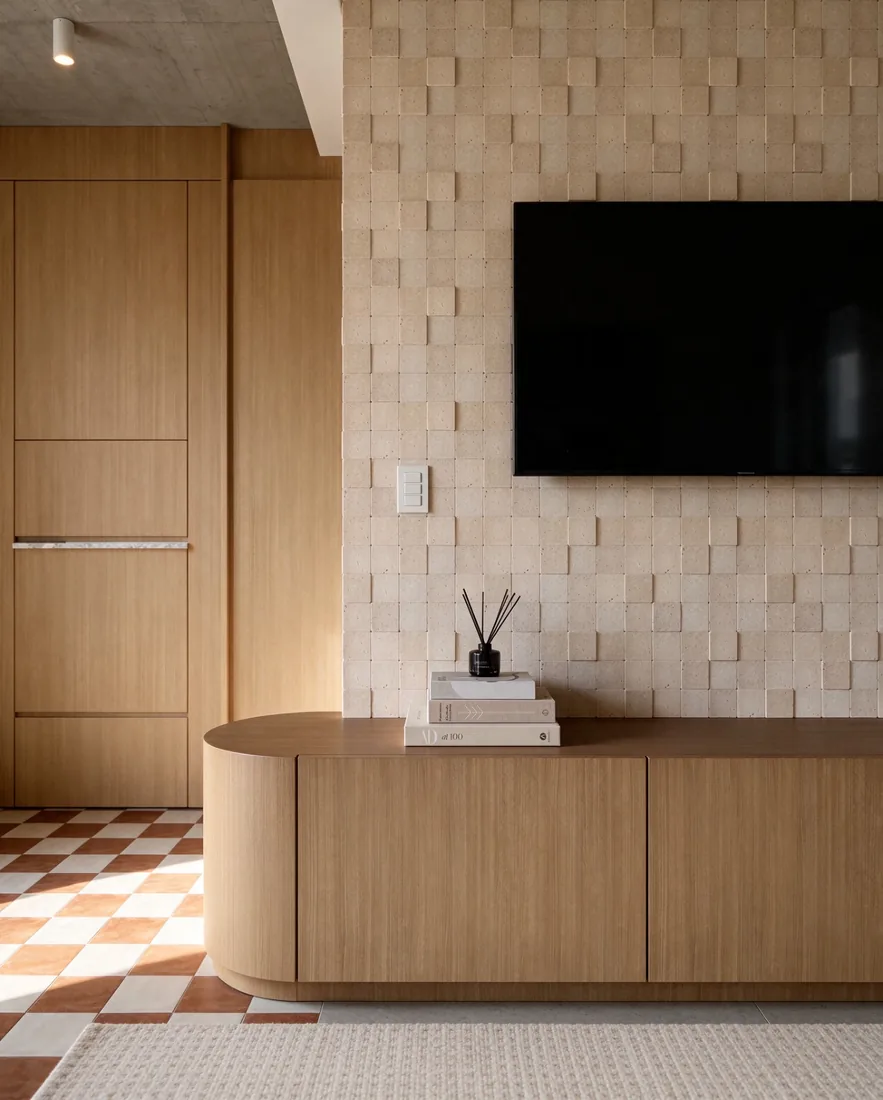
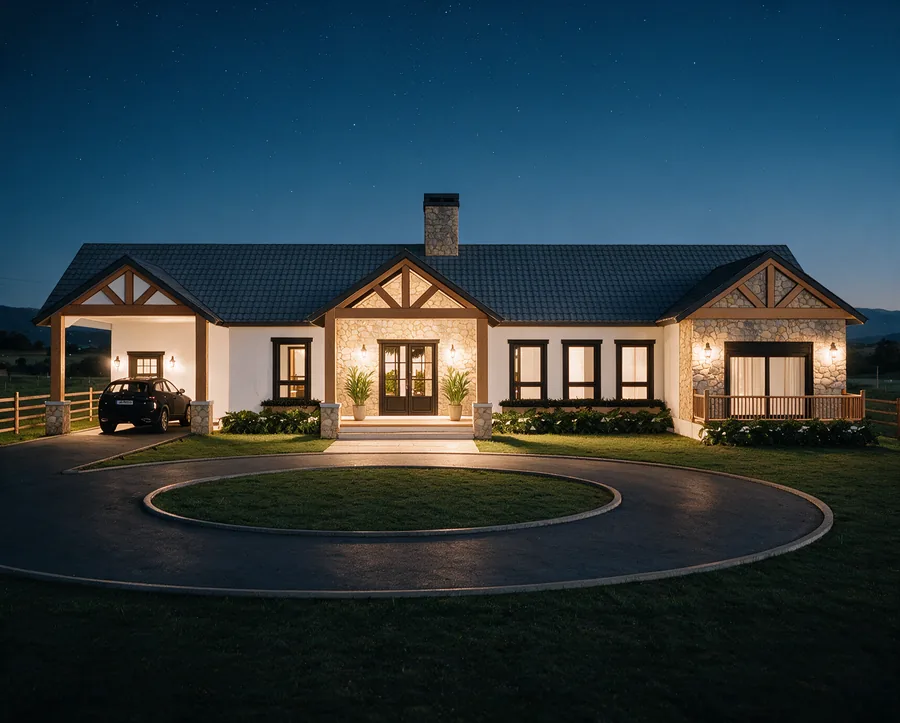
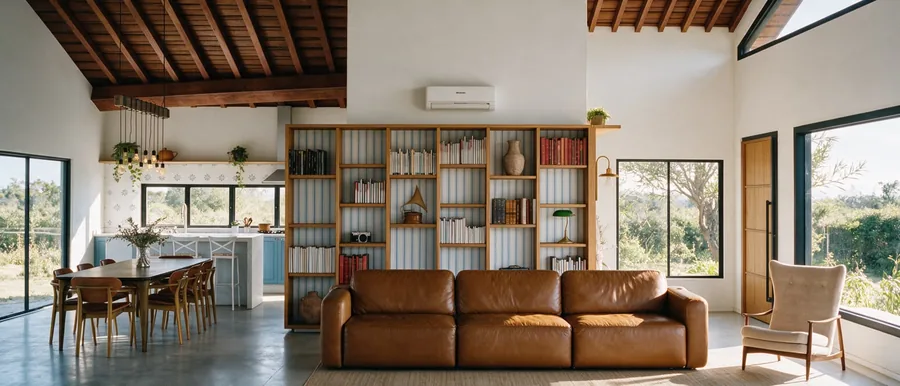
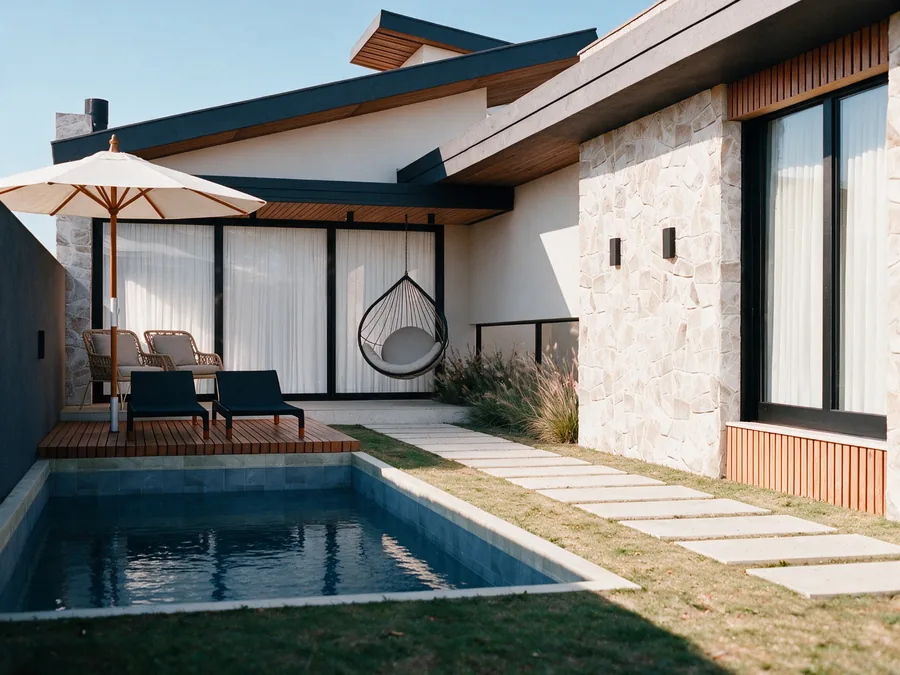
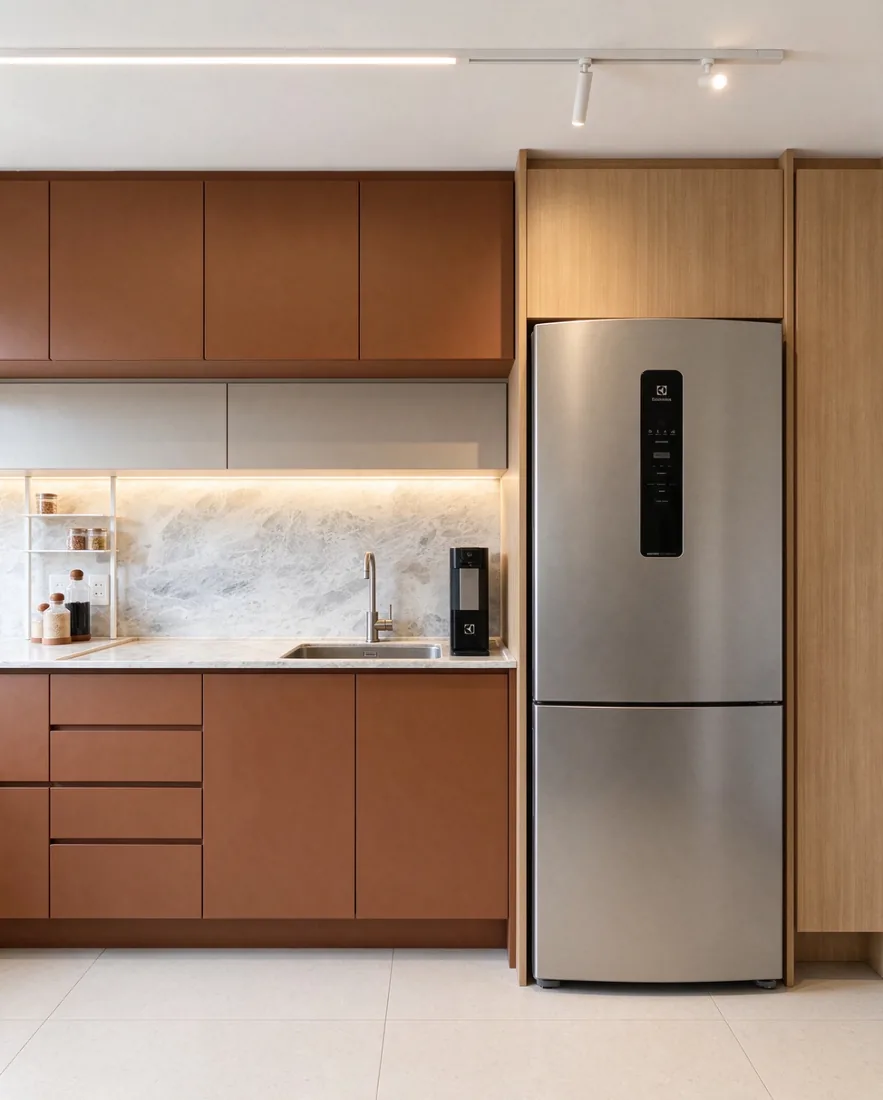
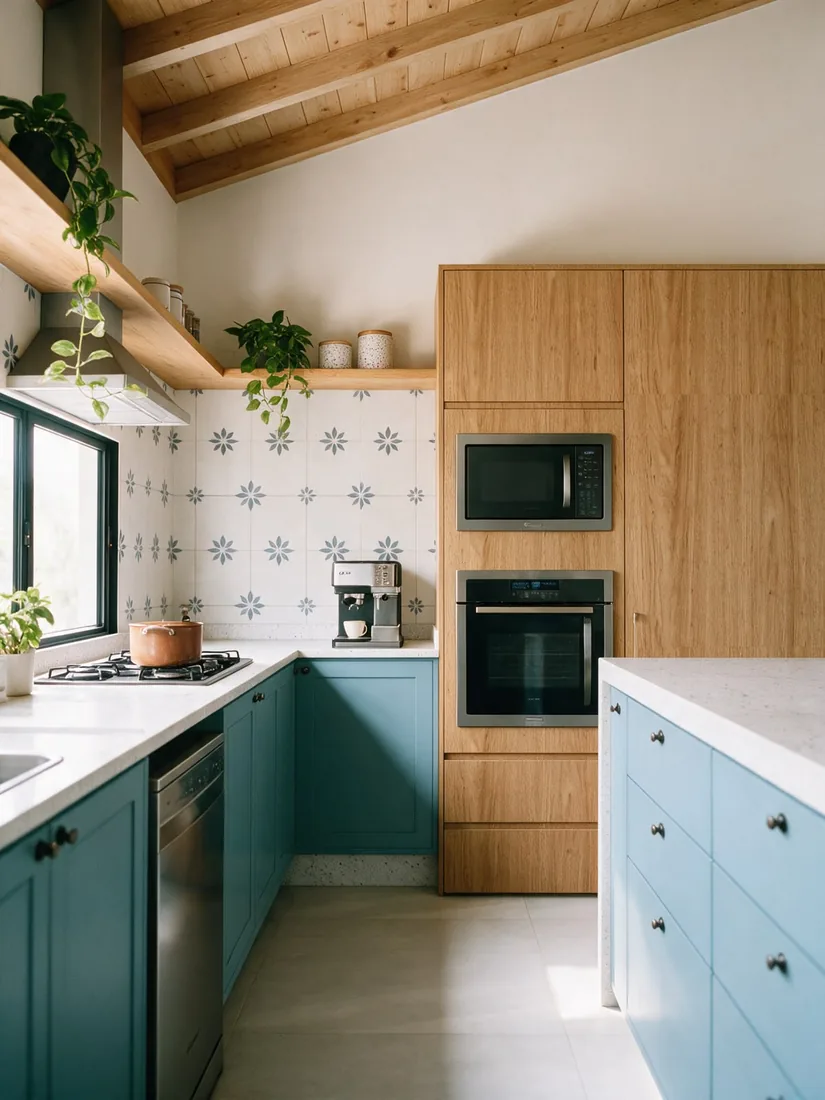
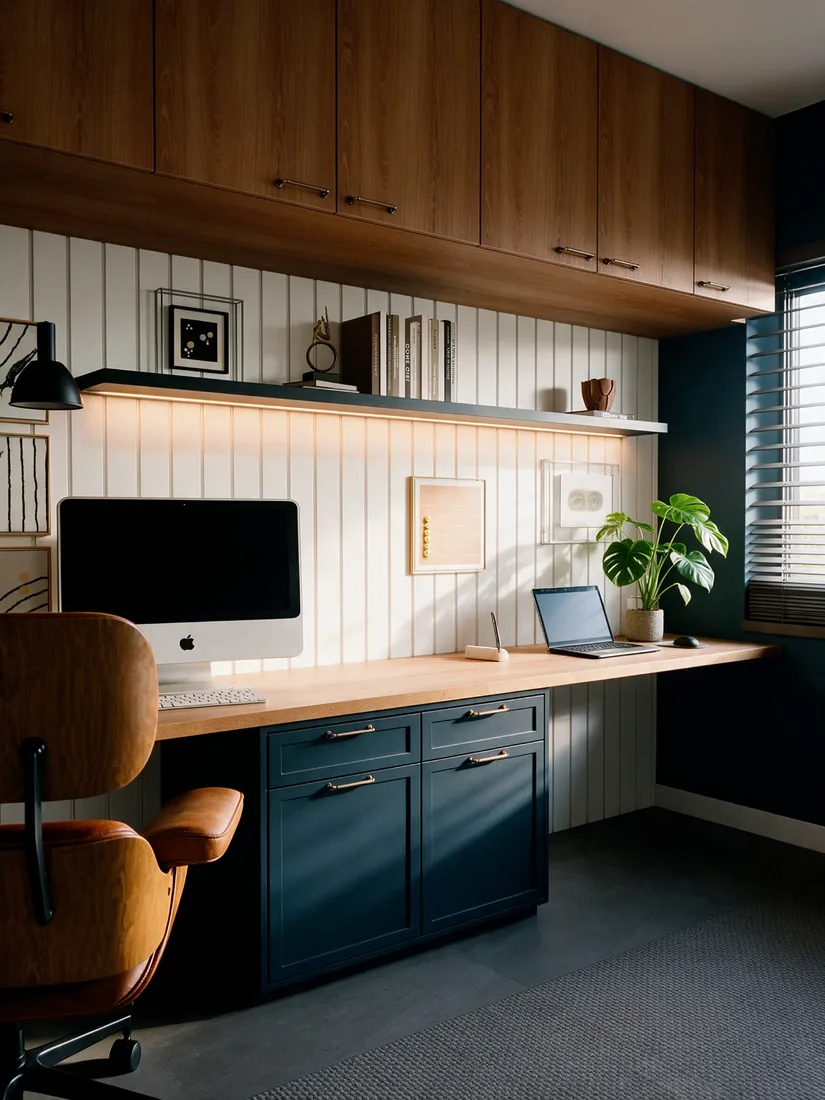
My first render project (…) and it nailed it on the first try…
Gabriela RibeiroCora subscriber
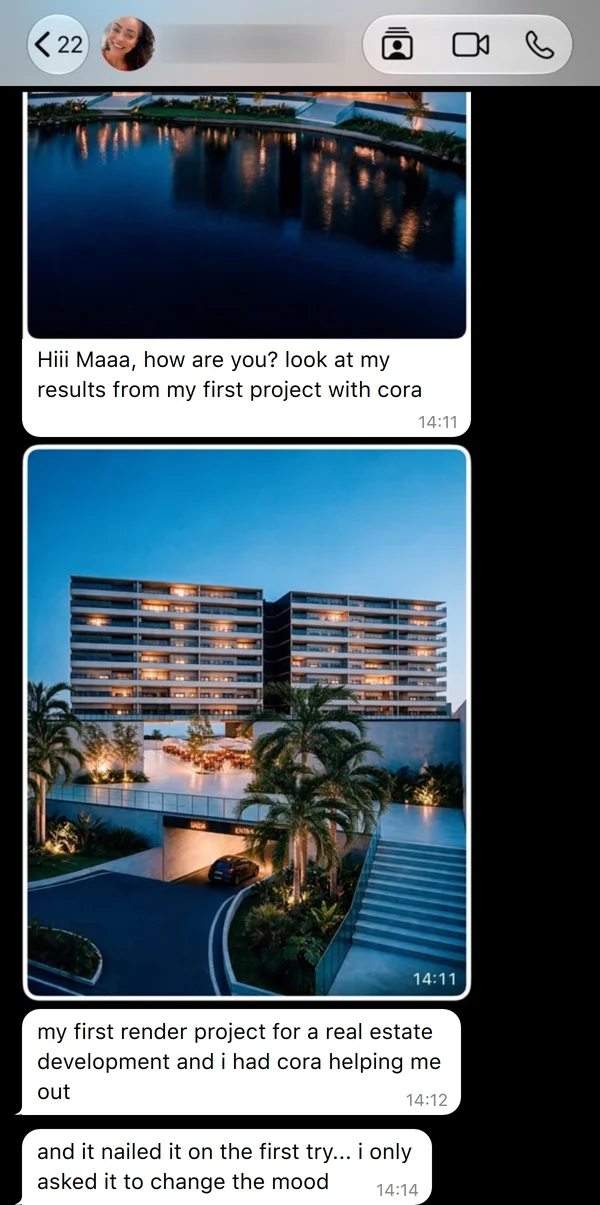
Screenshot translated from Portuguese
It really has gotten right everything I ask for, in image creation, batch or editing.
Lucas BentoCora subscriber
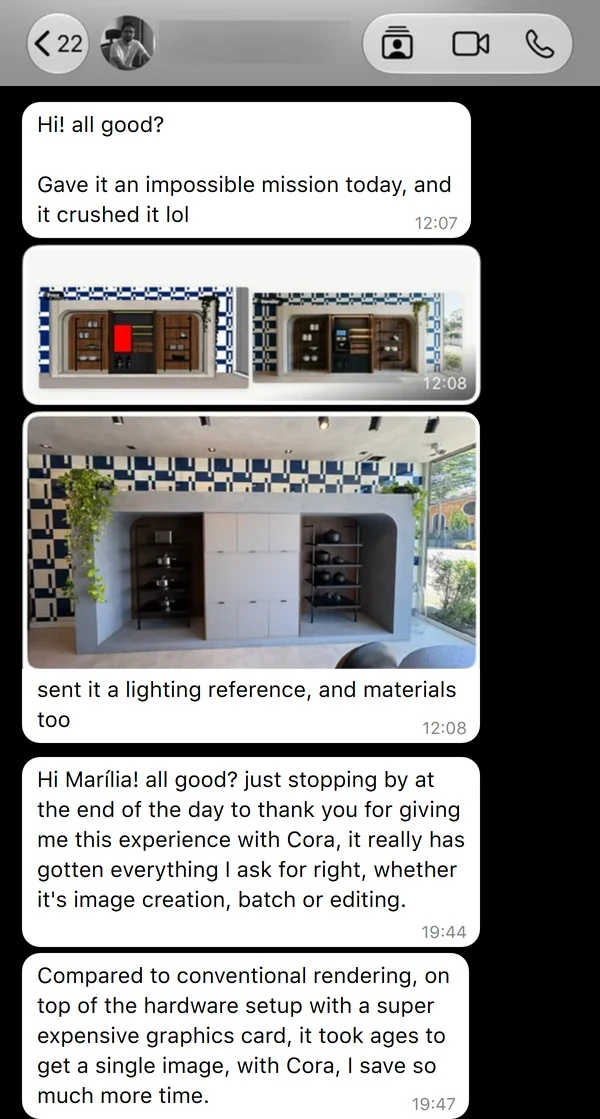
Screenshot translated from Portuguese
I used to spend hours with vray and it never came out the way I wanted, so, guaranteed stress. We don't have that problem anymoreee
Marina AggensCora subscriber
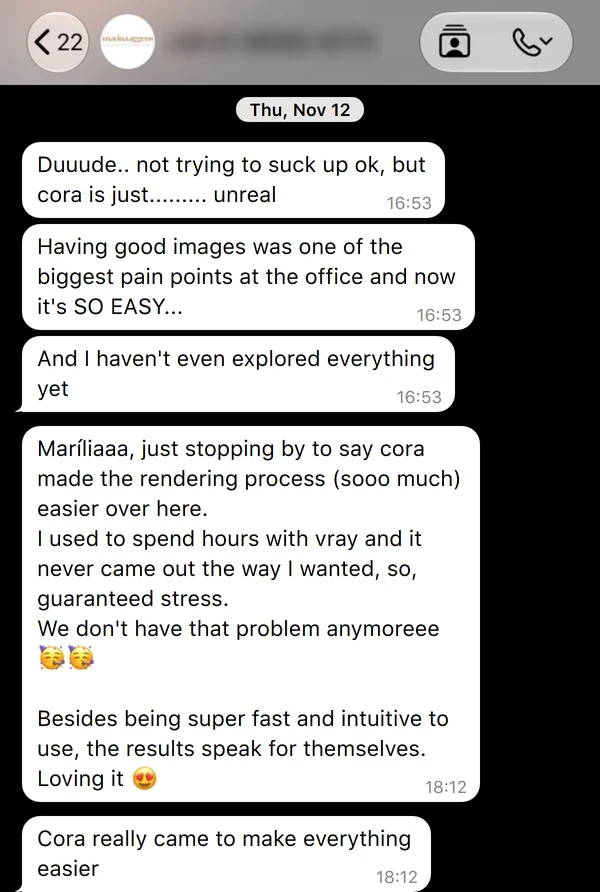
Screenshot translated from Portuguese
I'm BLOWN AWAY by the results, and above all by how accurate it is. The fidelity is ABSURD.
Marianna BozziCora subscriber
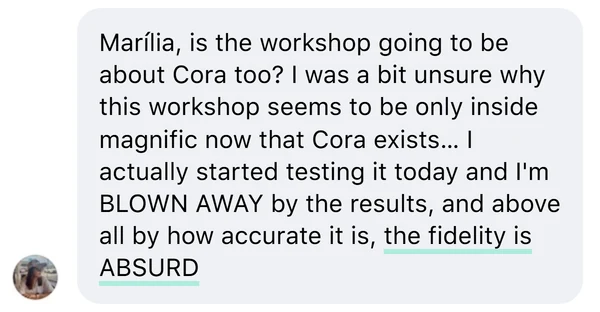
Screenshot translated from Portuguese
Just not having to keep generating the images and writing prompts to render afterwards already took half the work off…
Nicole MundstockCora subscriber
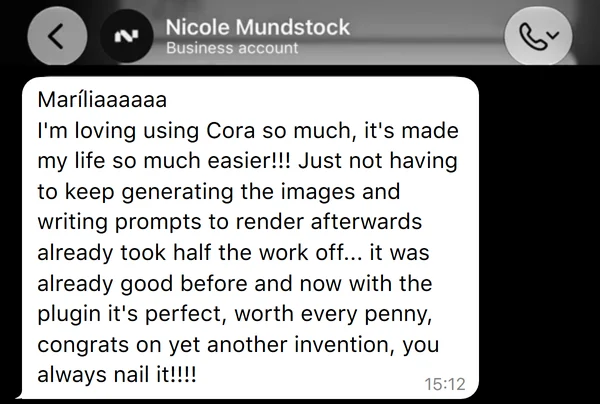
Screenshot translated from Portuguese
Before and after
From a resort to a kitchen, always starting from a screenshot of your design. Drag the line on each one to see the before and after.
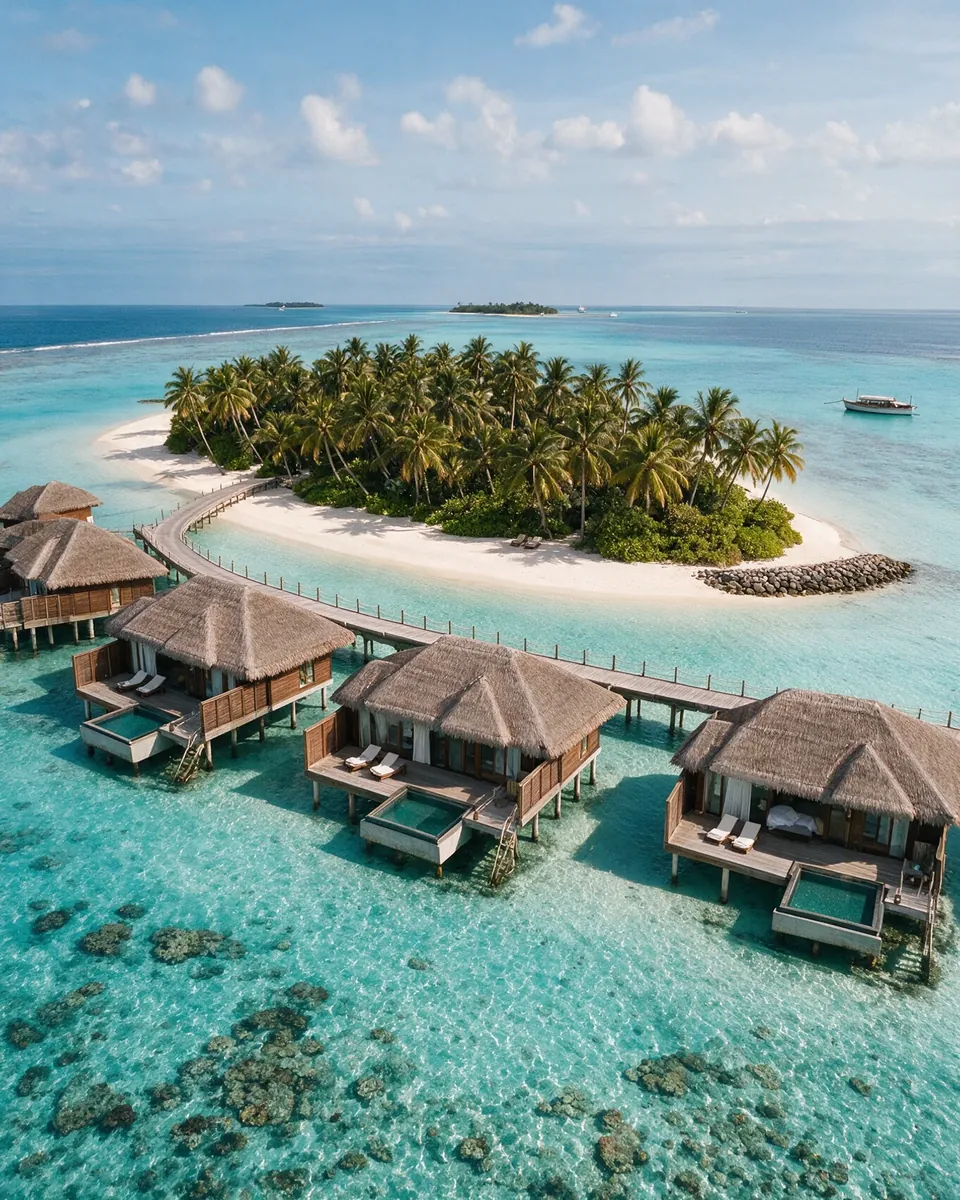
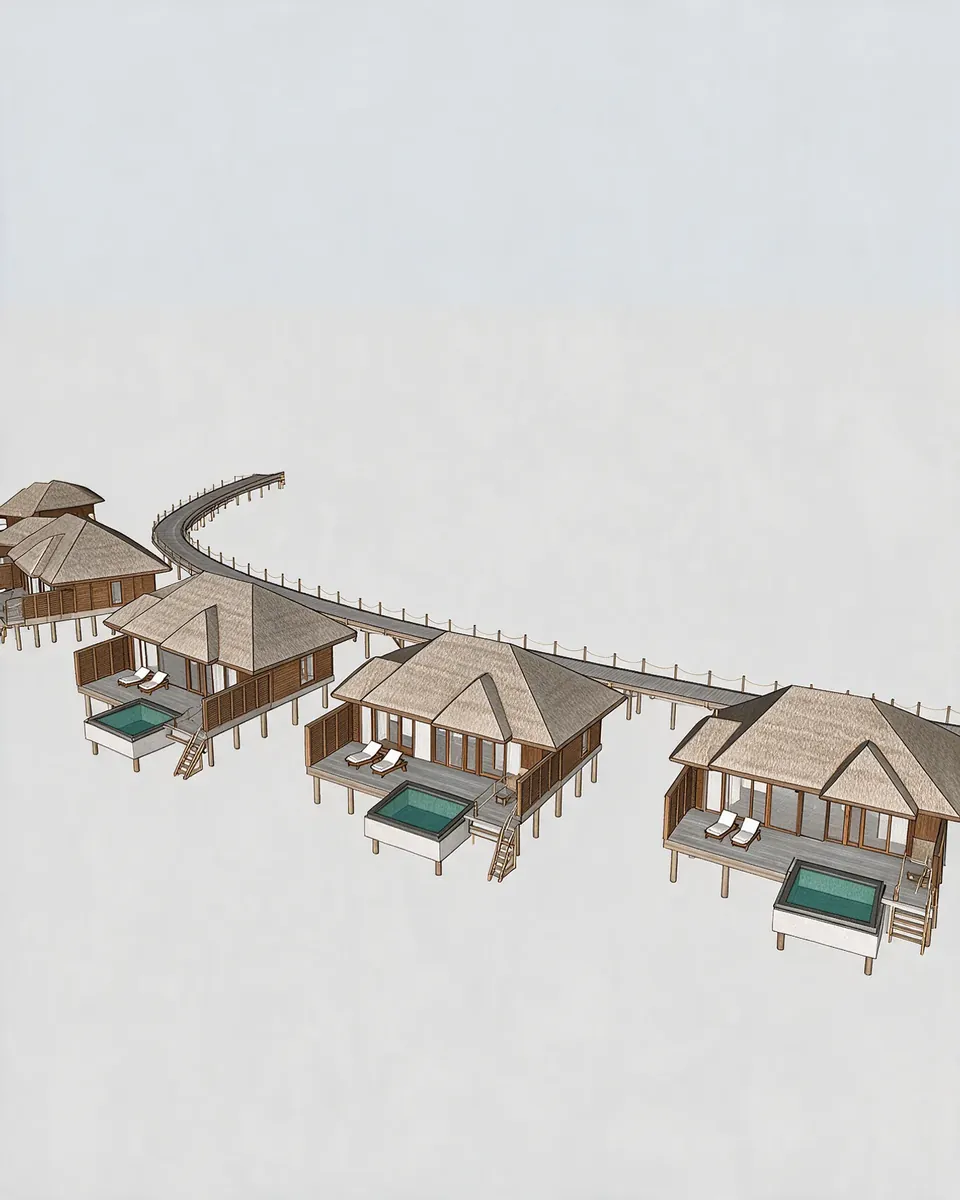
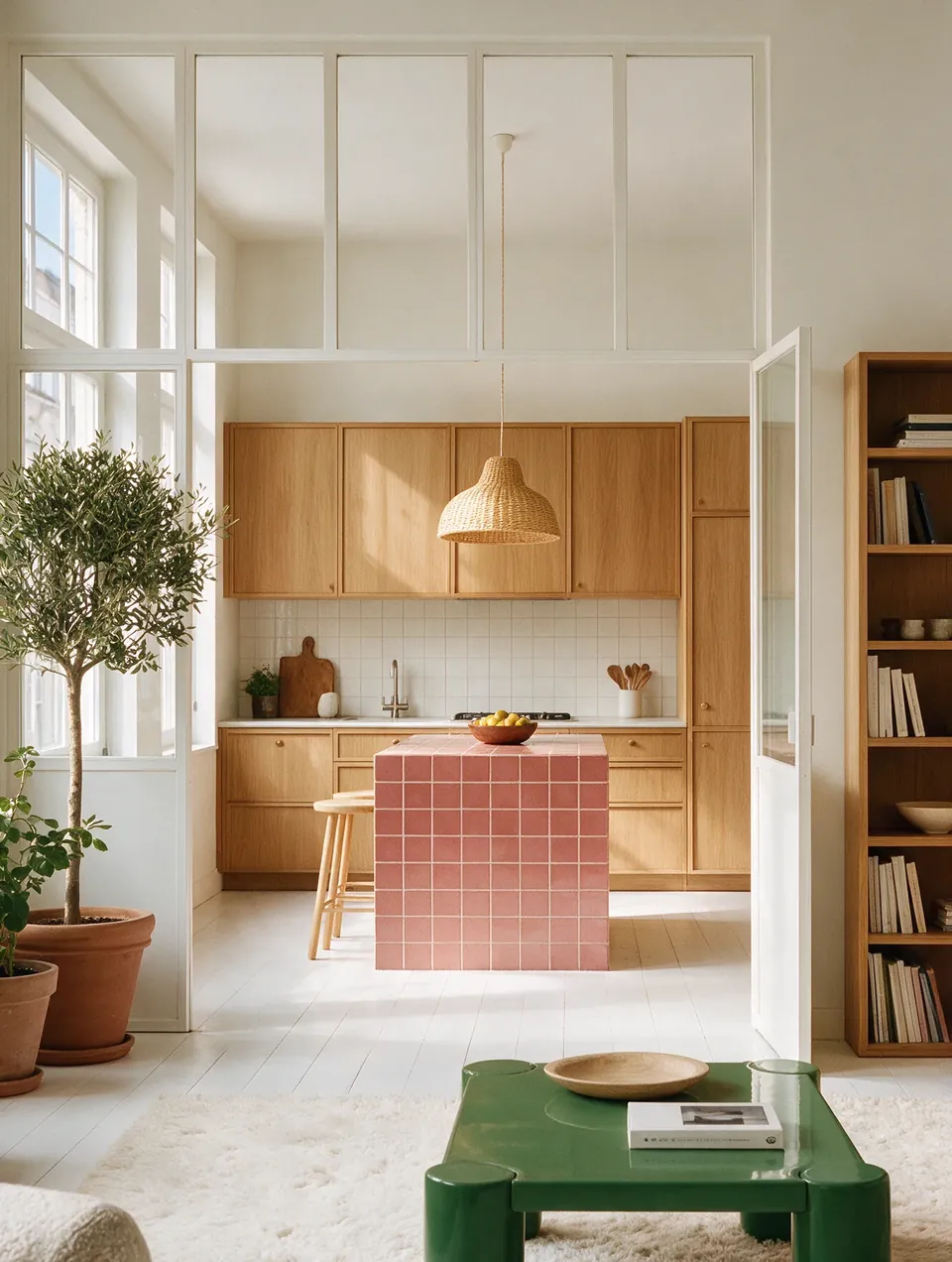
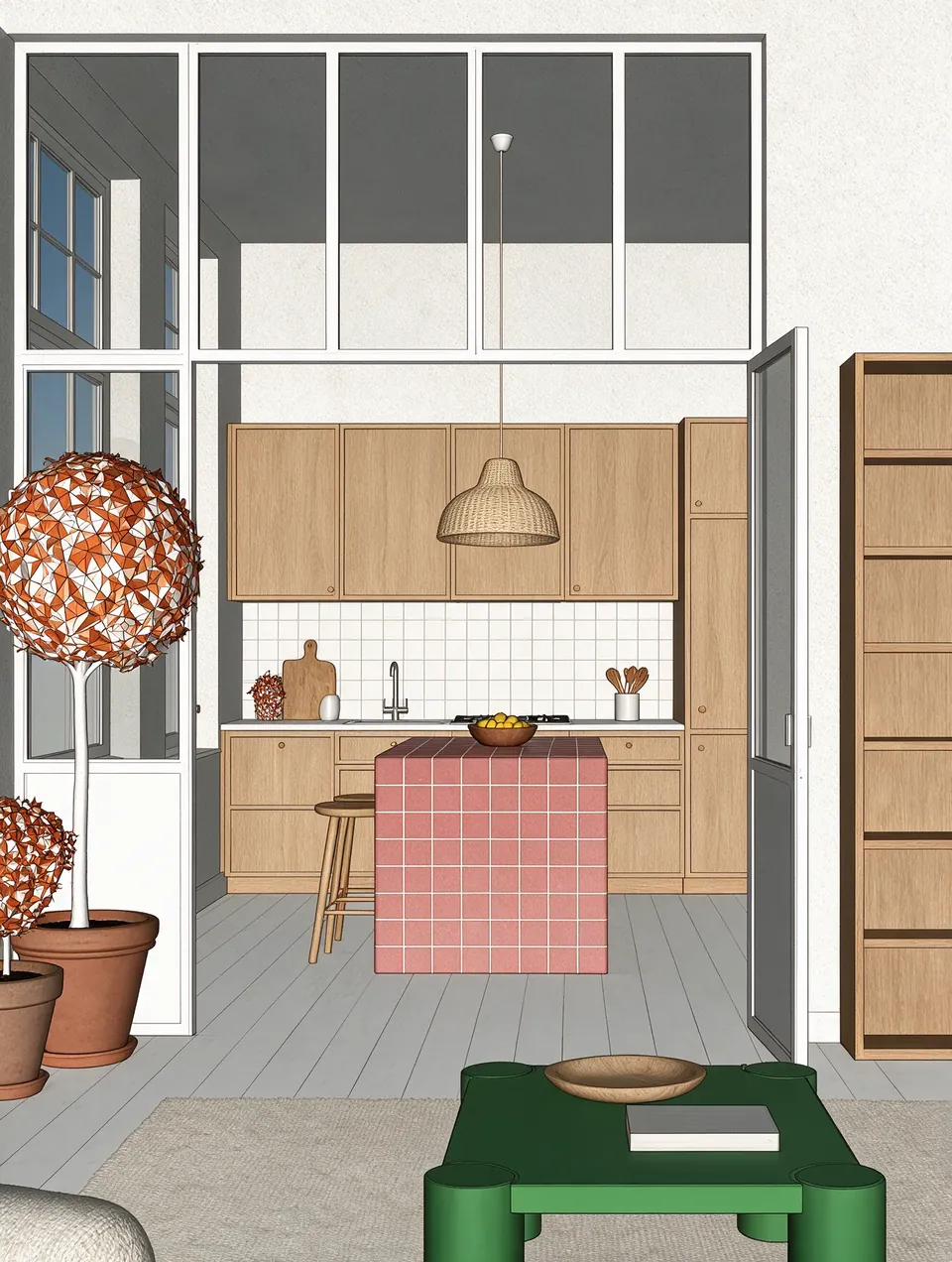
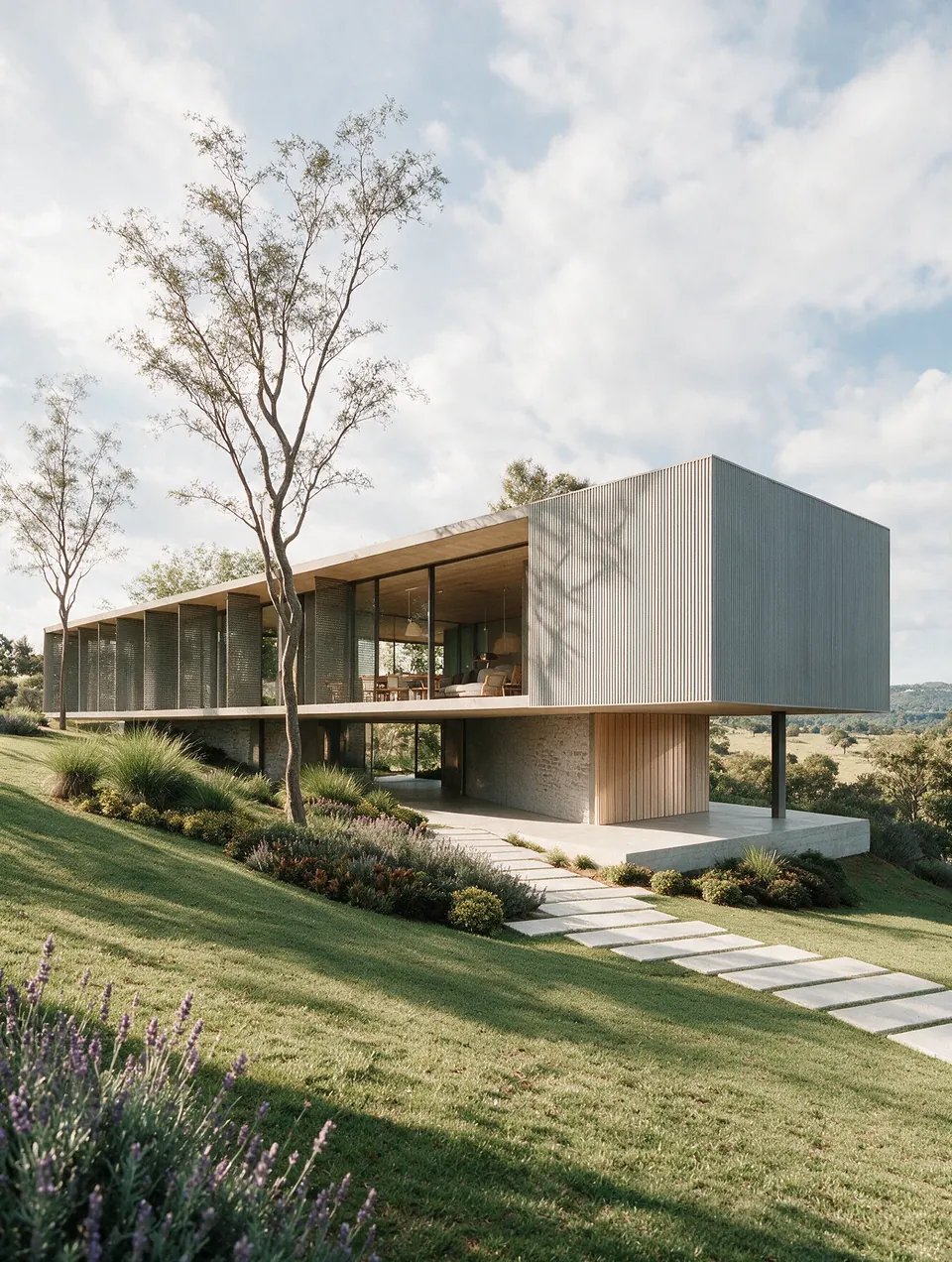
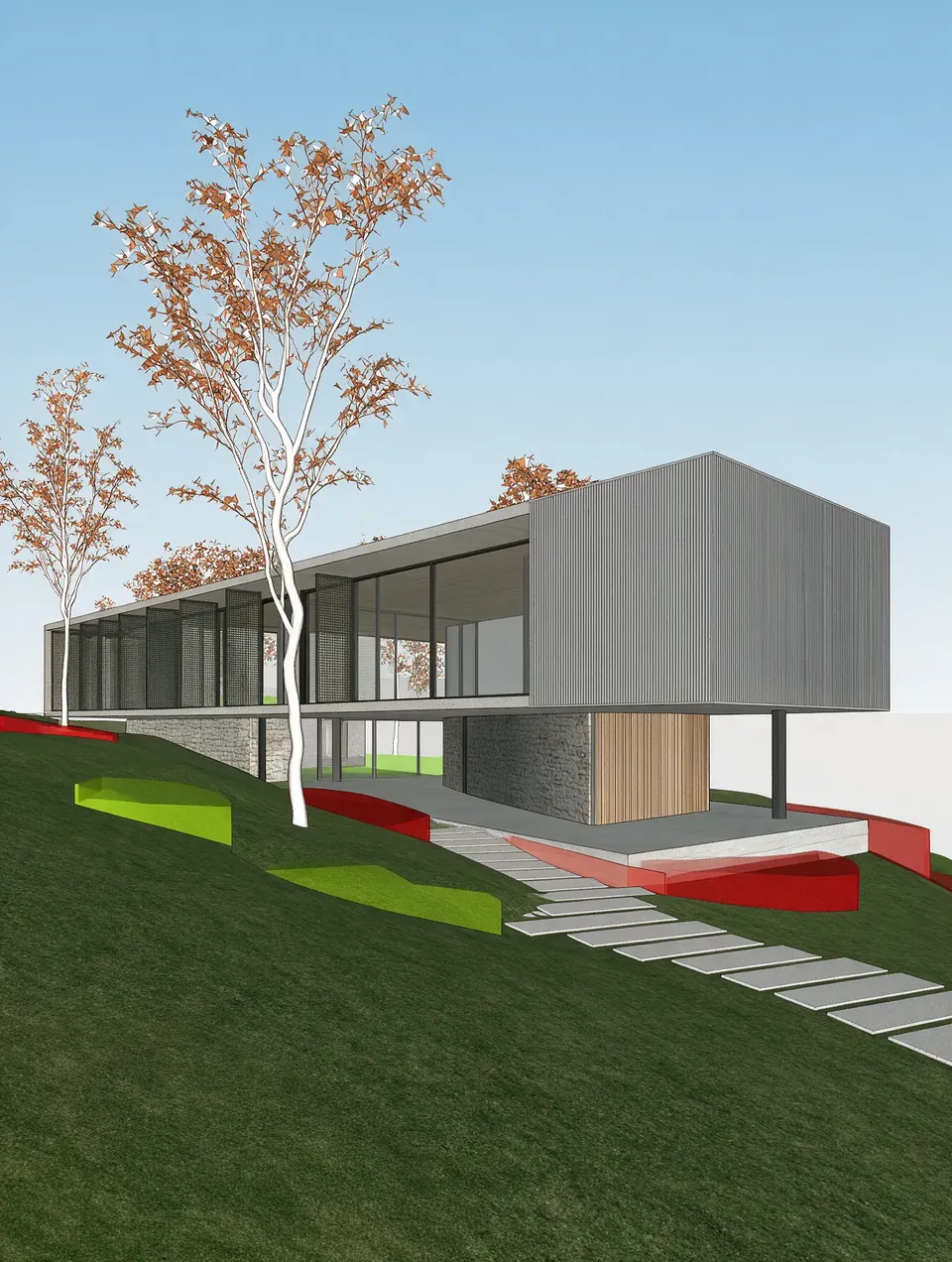
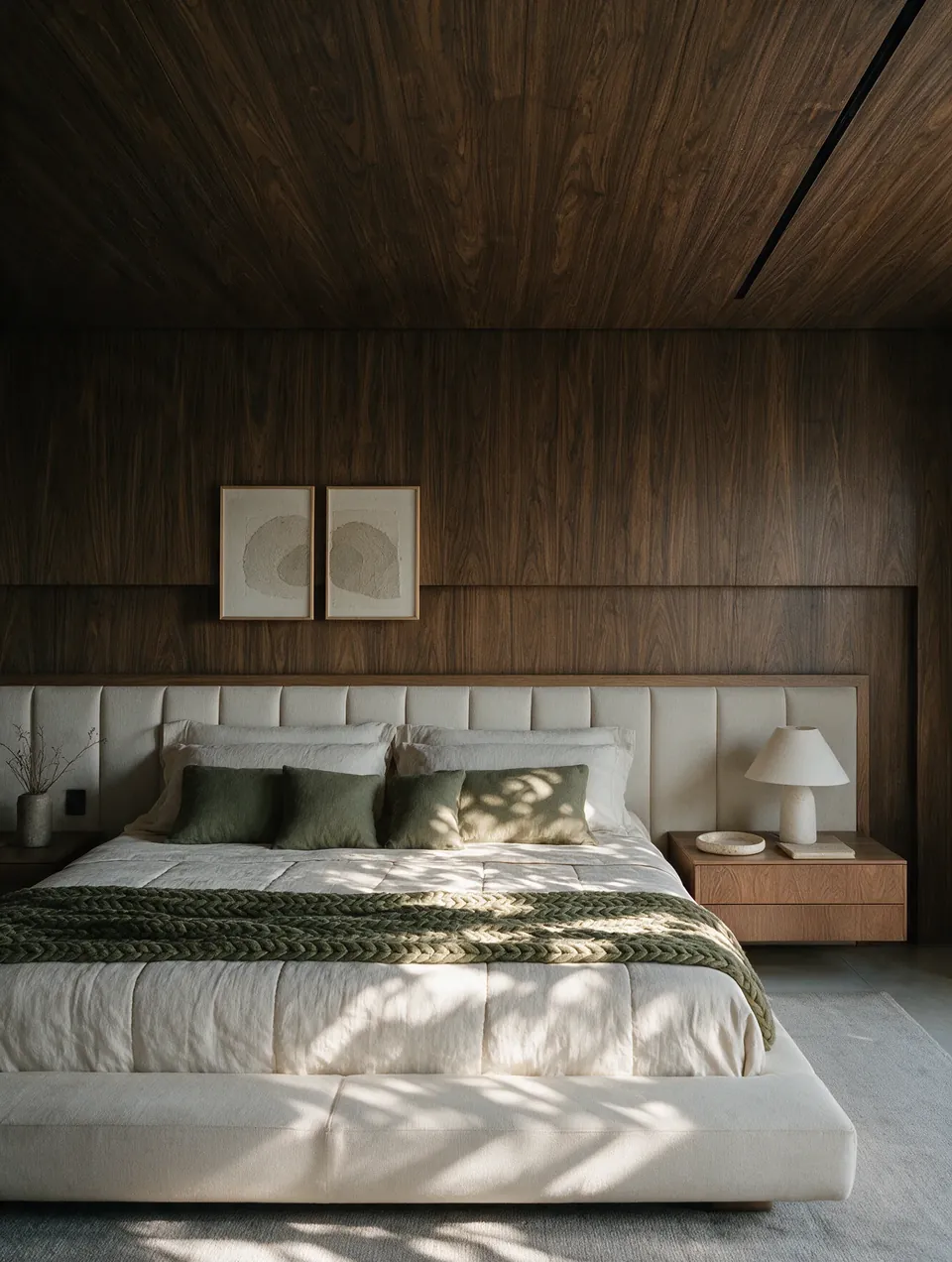
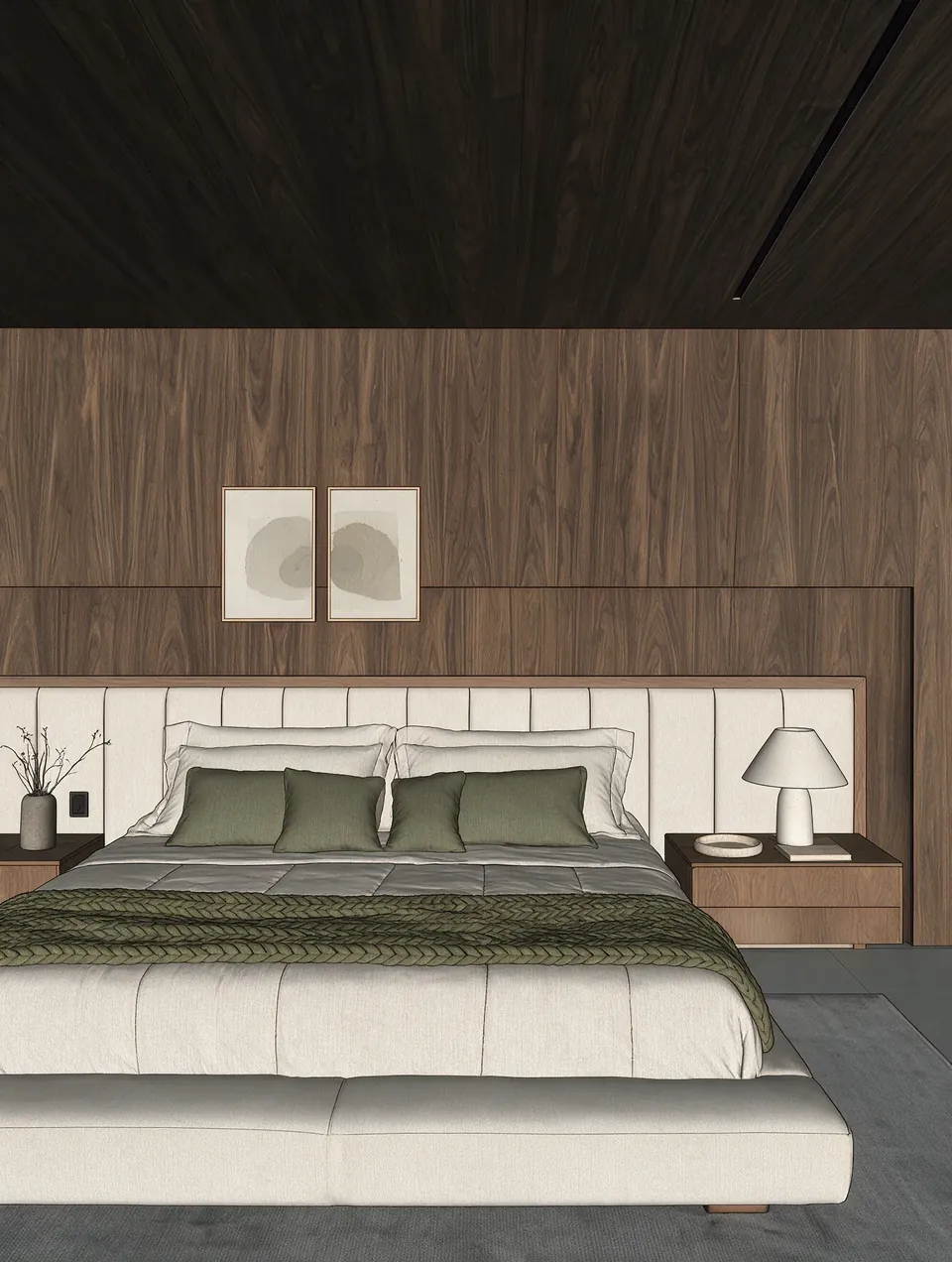

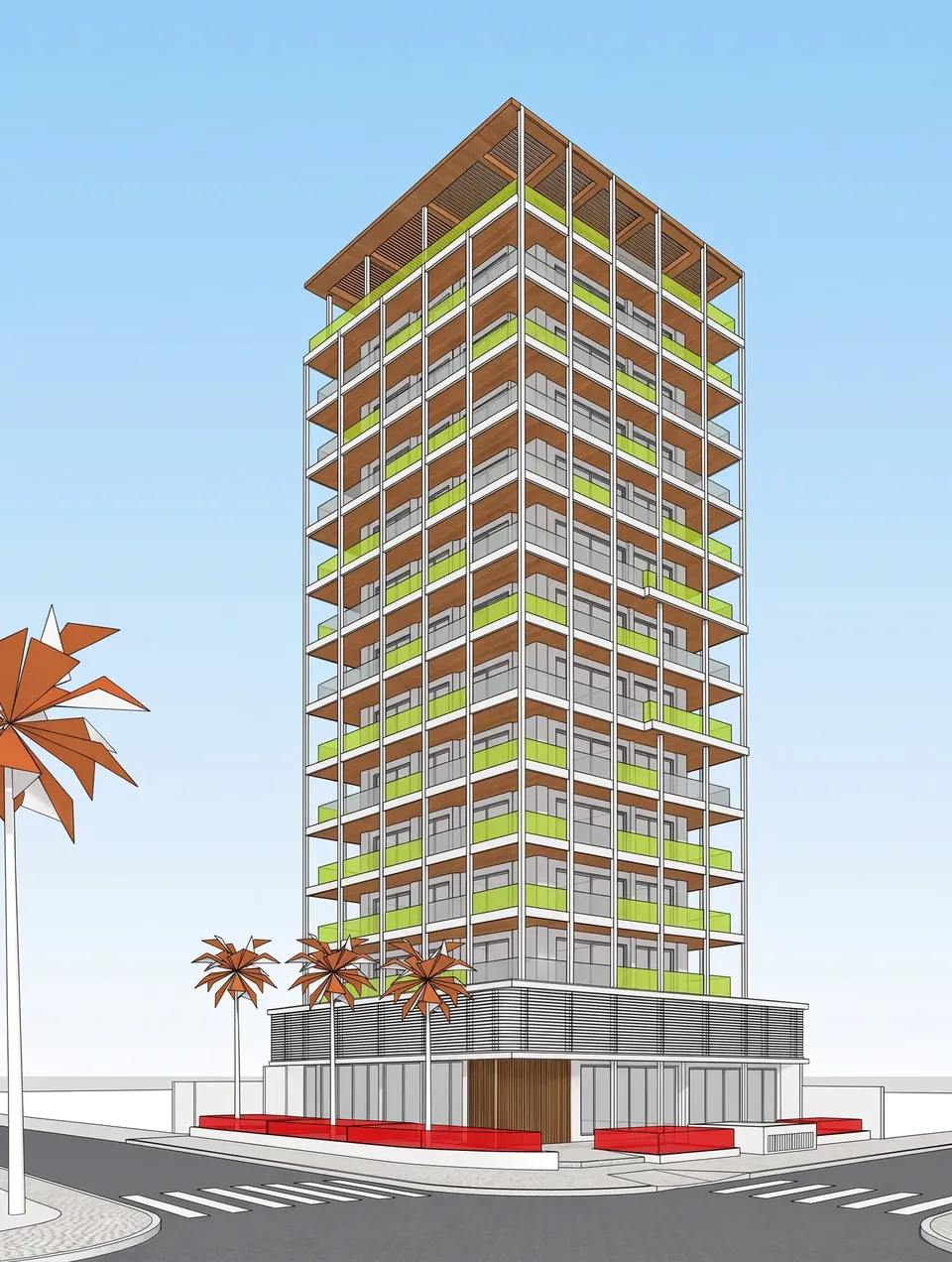
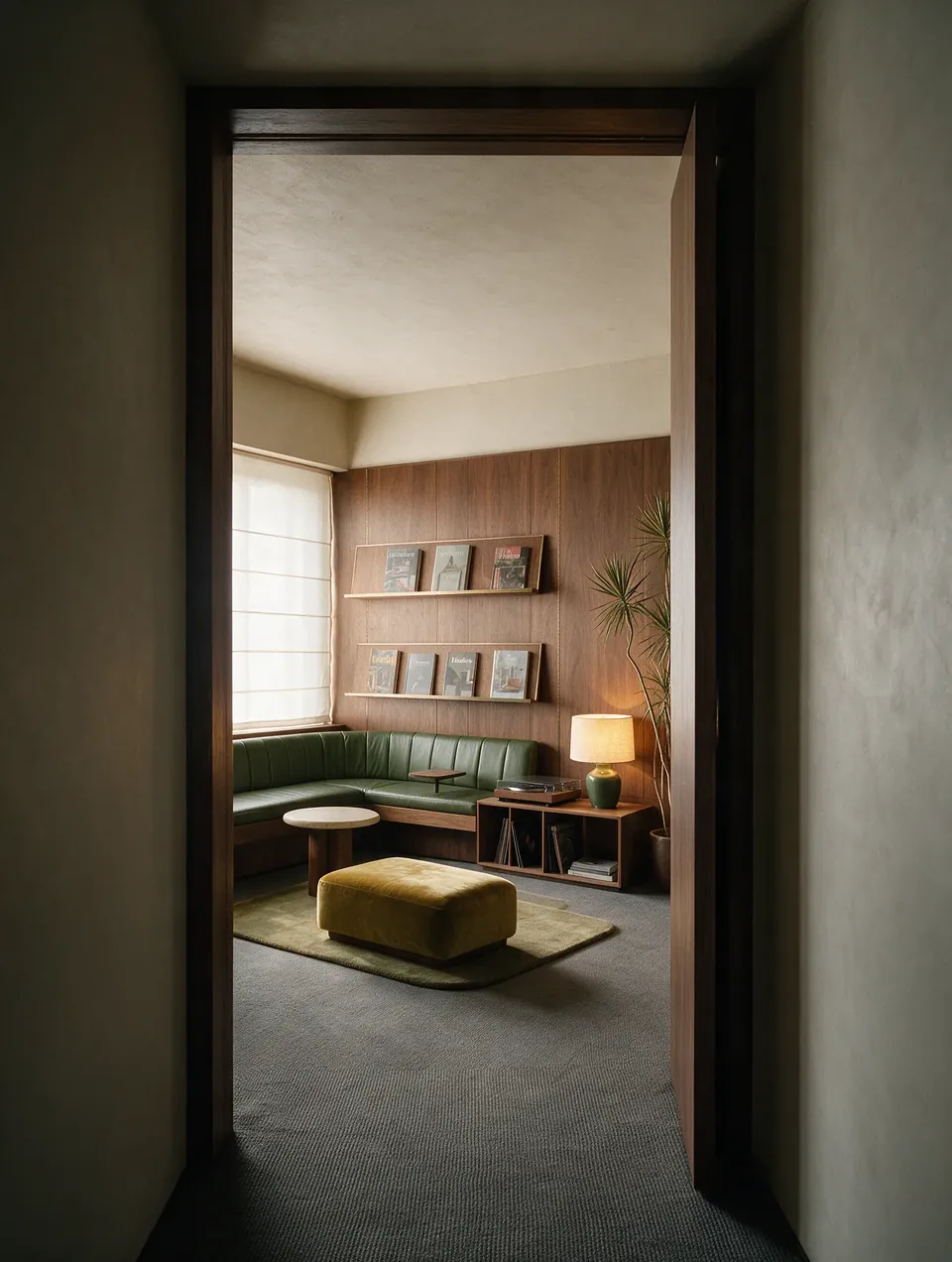
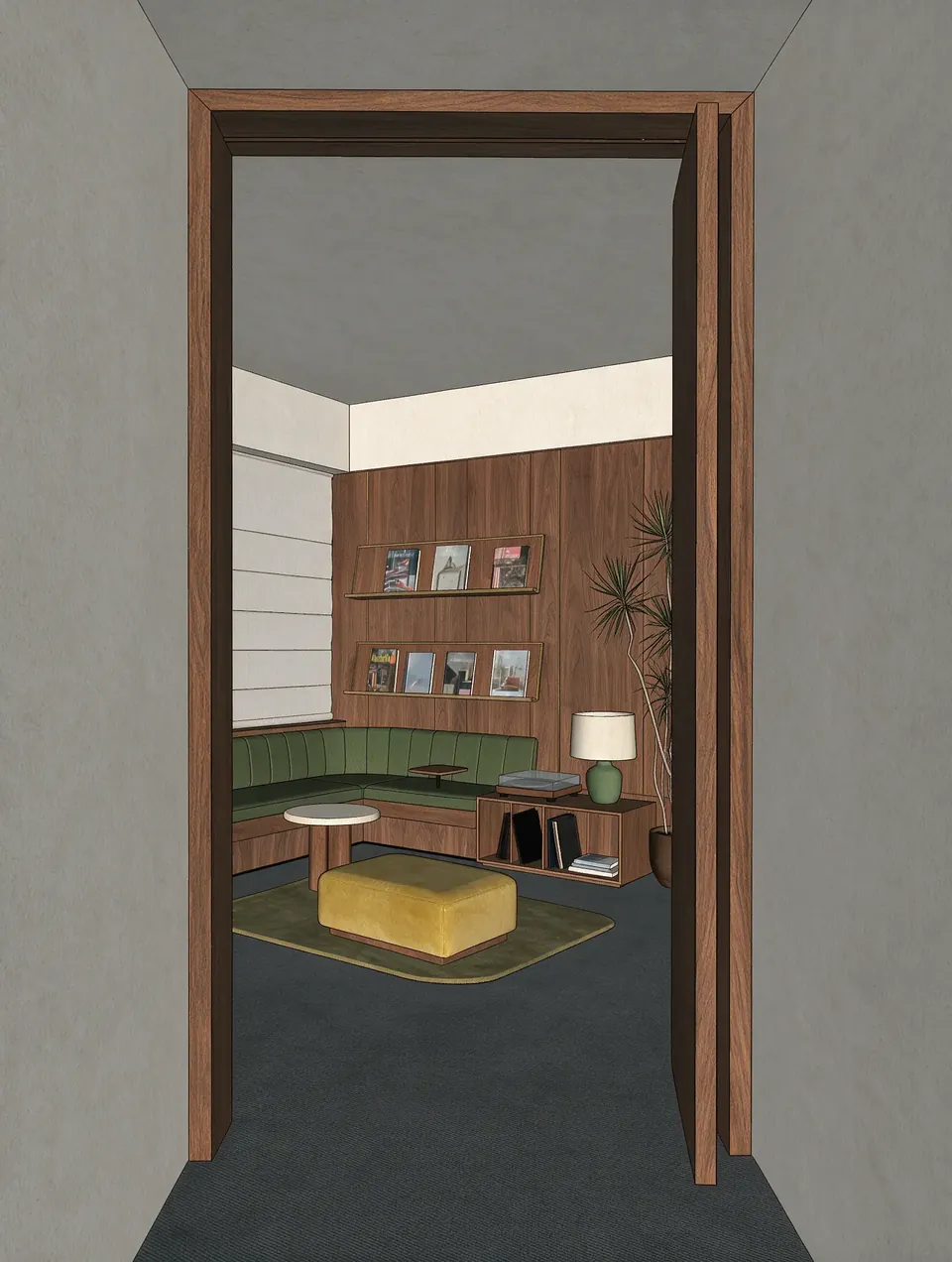
Cora reads the scene, generates, corrects and finishes, in layers, until the image is ready to present.
Interior or exterior, with the geometry and materials of your scene.
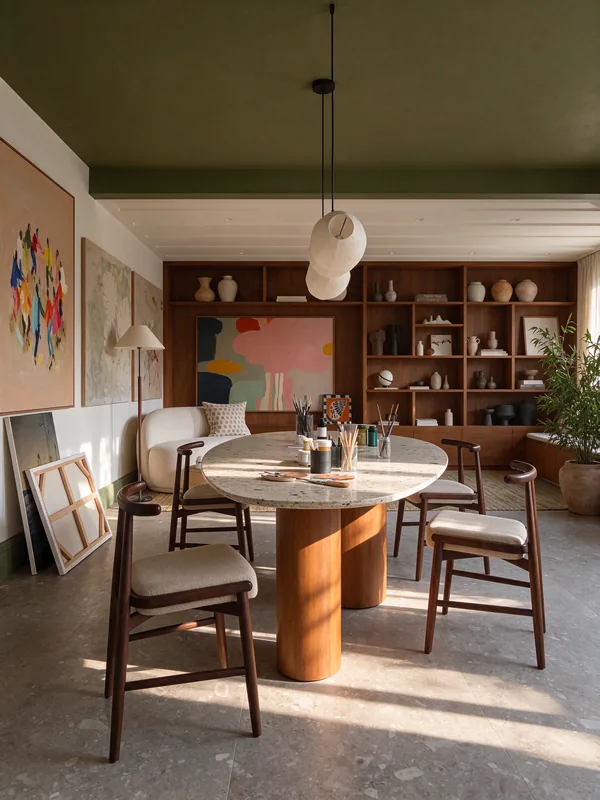
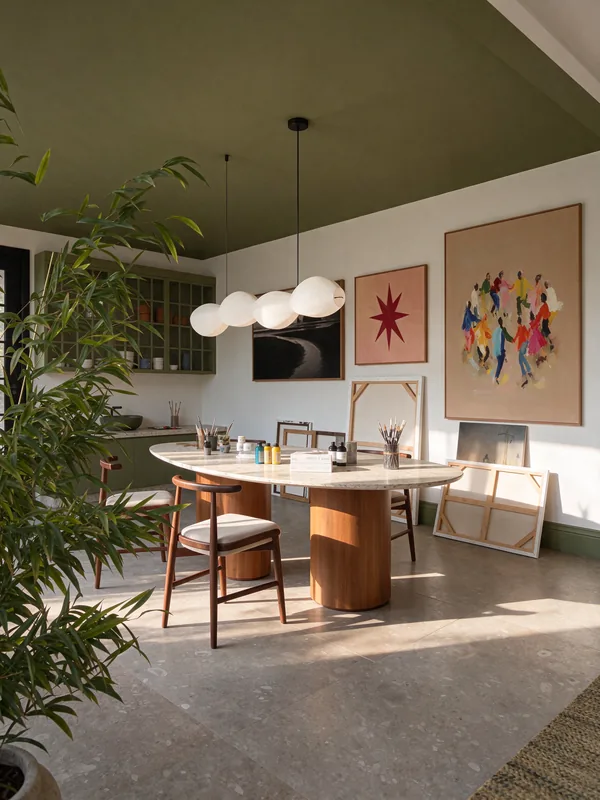
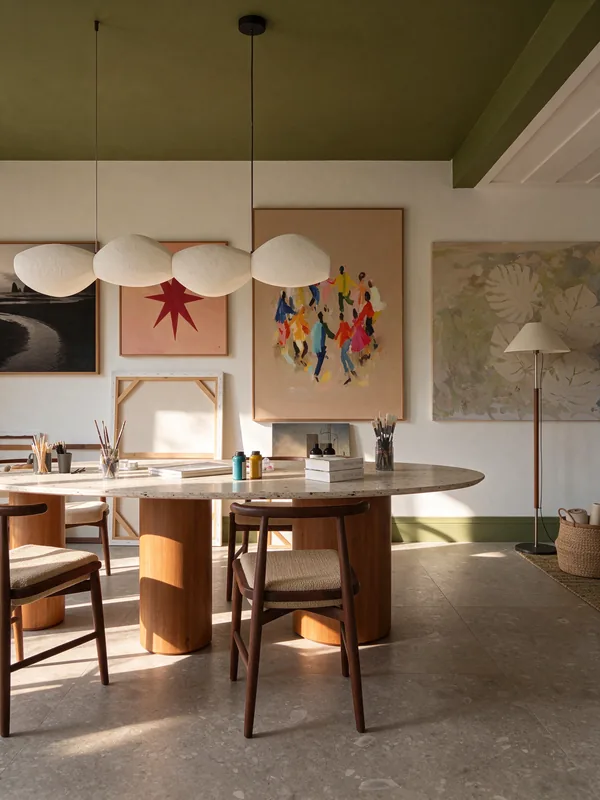
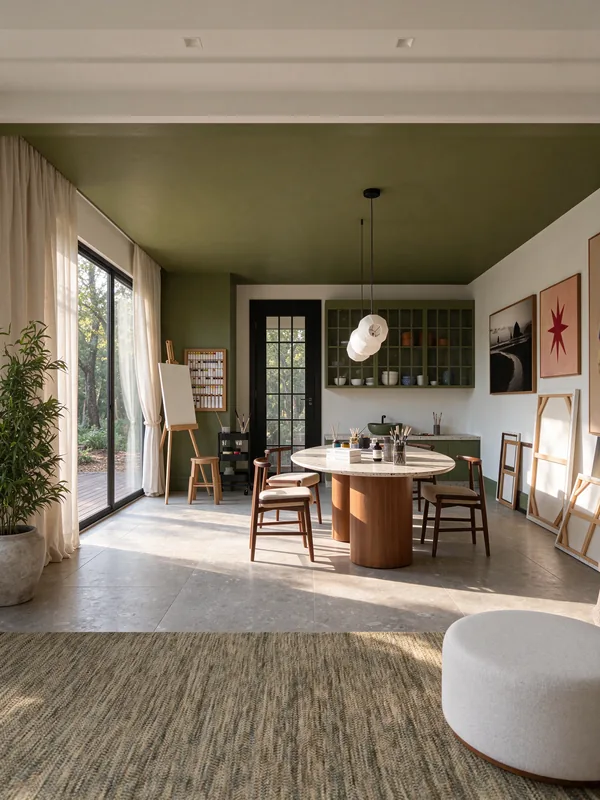
All the cameras in the project with the same light and the same materials.
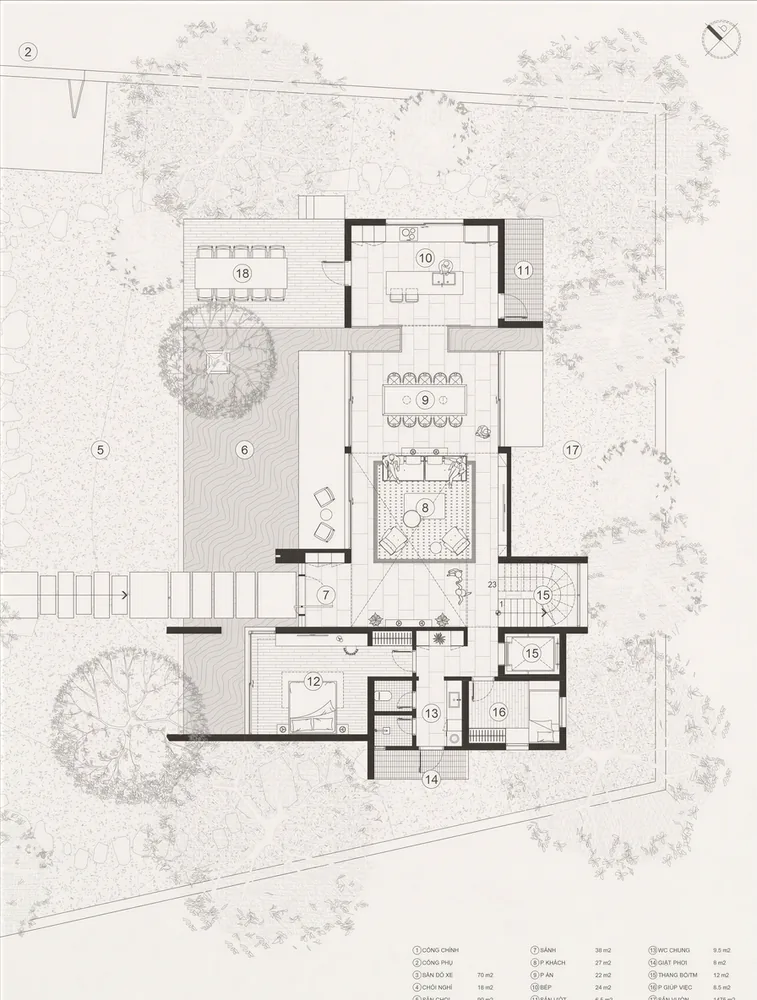
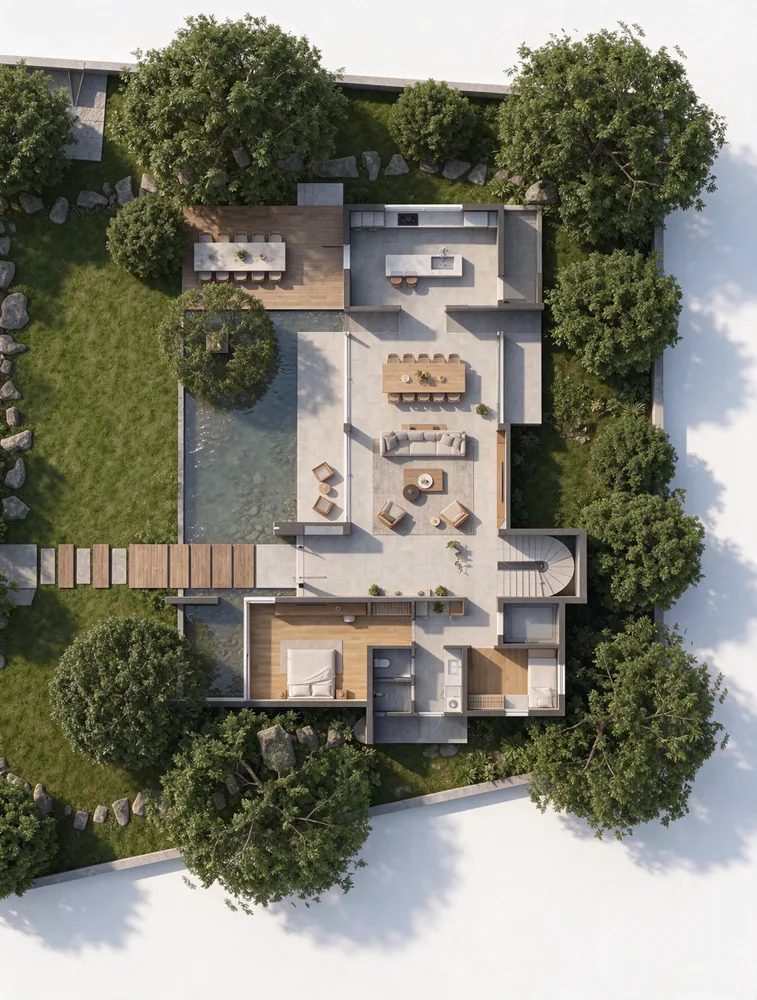
The floor plan of the model becomes a furnished floor plan, straight or in perspective.
A navigable panorama straight from the scene, for the client to walk through in the browser.
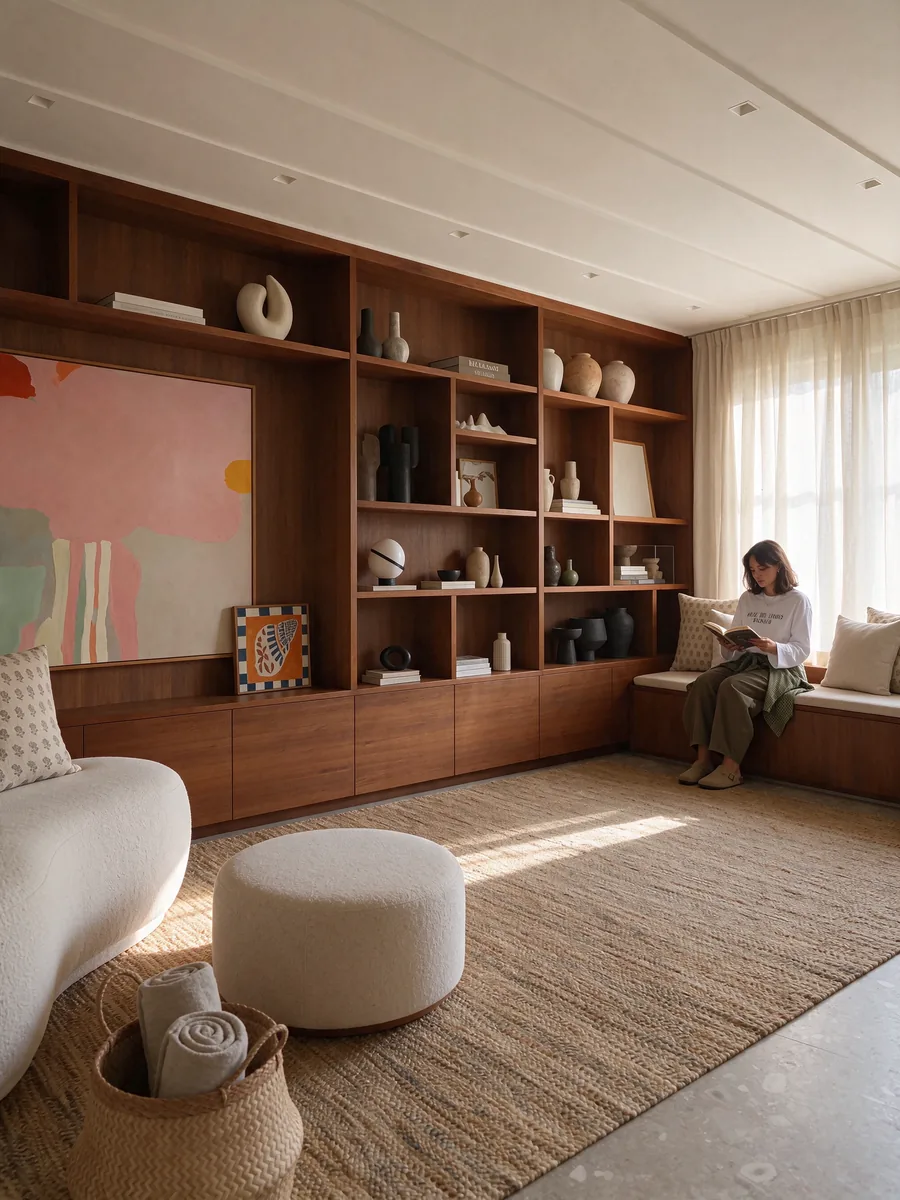

Each frame you mark becomes an image. With no frame, the AI picks the best ones.
In an exterior render, the Google Maps street view becomes the reference for the surroundings.
Exposure, contrast, white balance and tone curves, in layers.

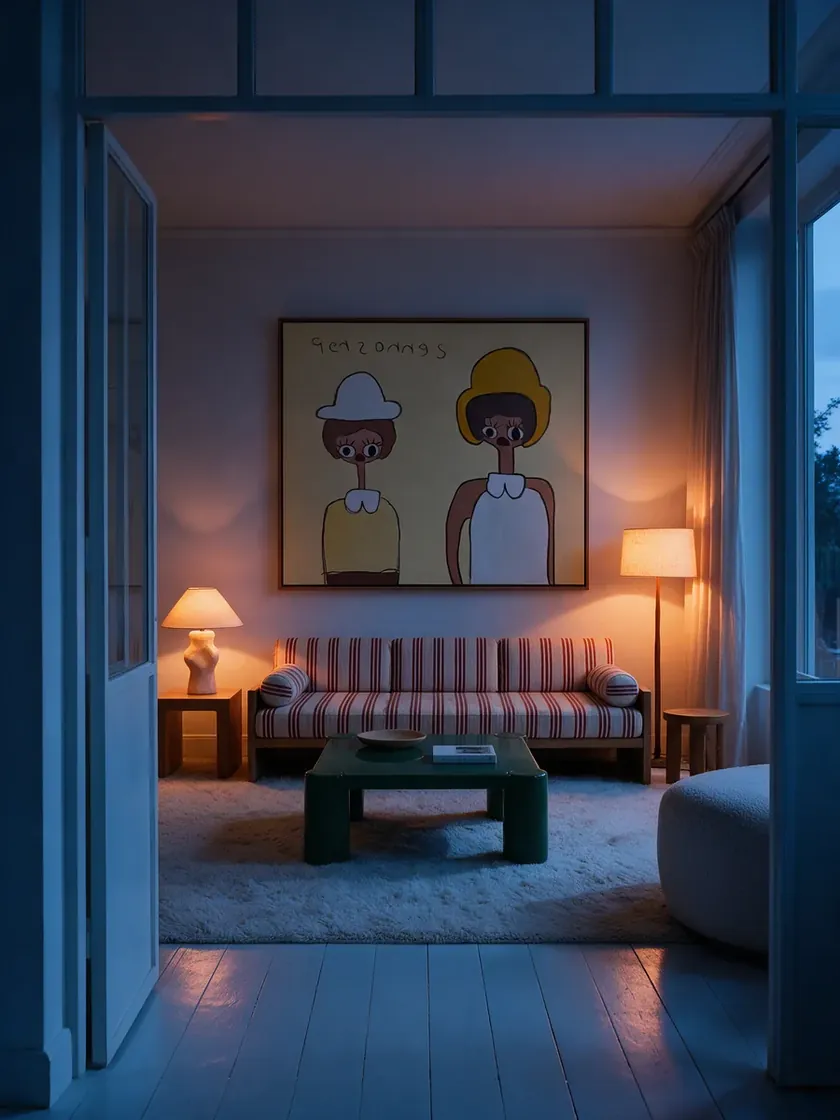
Changes the light, the atmosphere and the season. The design stays the same.
The still perspective becomes a video, with a guided camera.
Organizes the renders into a sequence and delivers the script take by take.
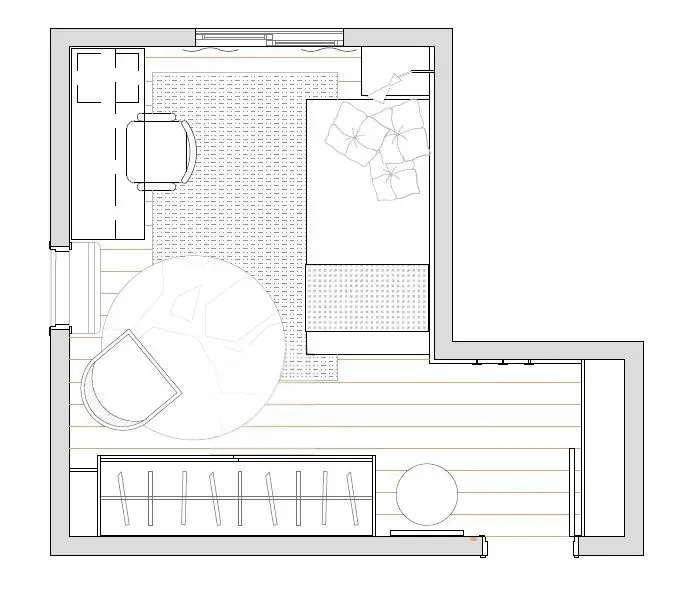
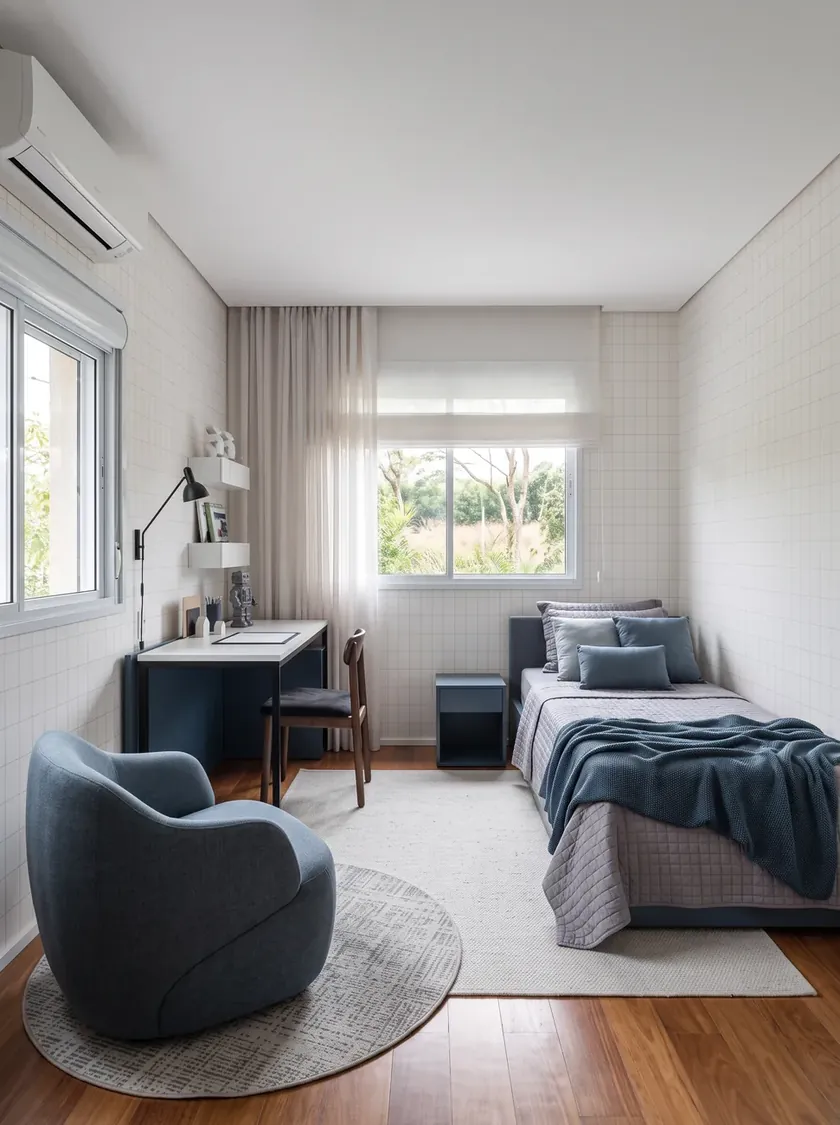
A photo of the room made from the room's floor plan. The arrow marks where the photo is taken.
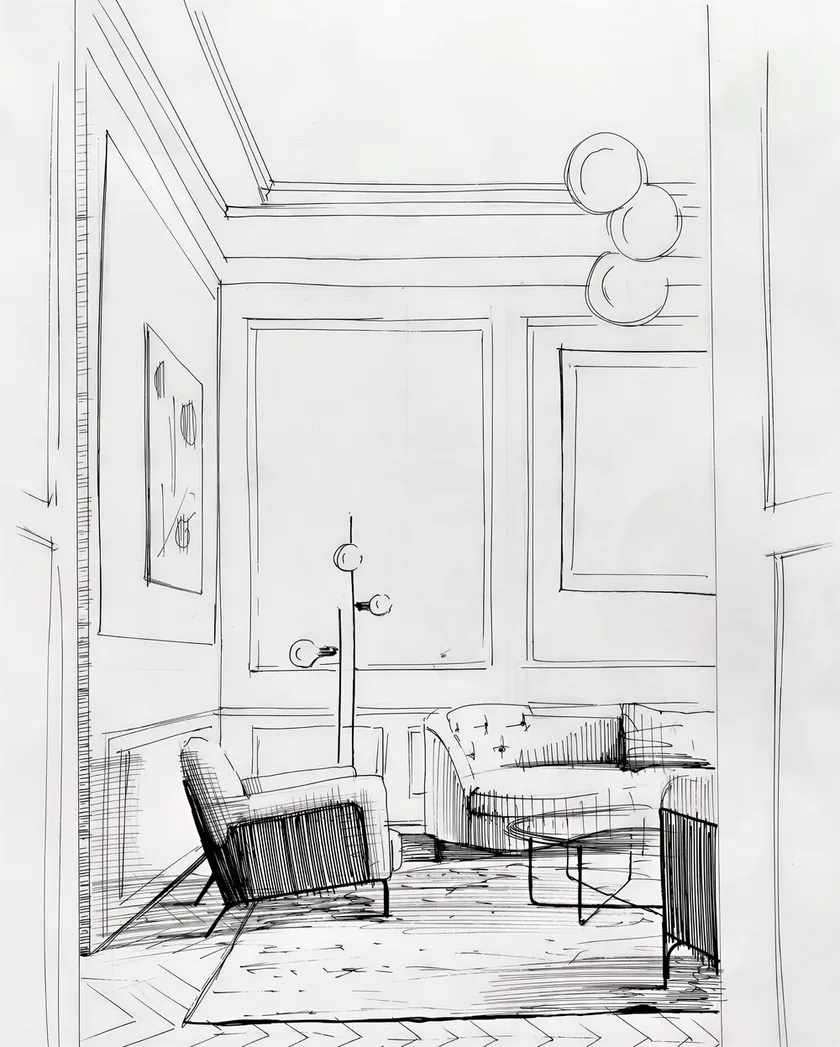
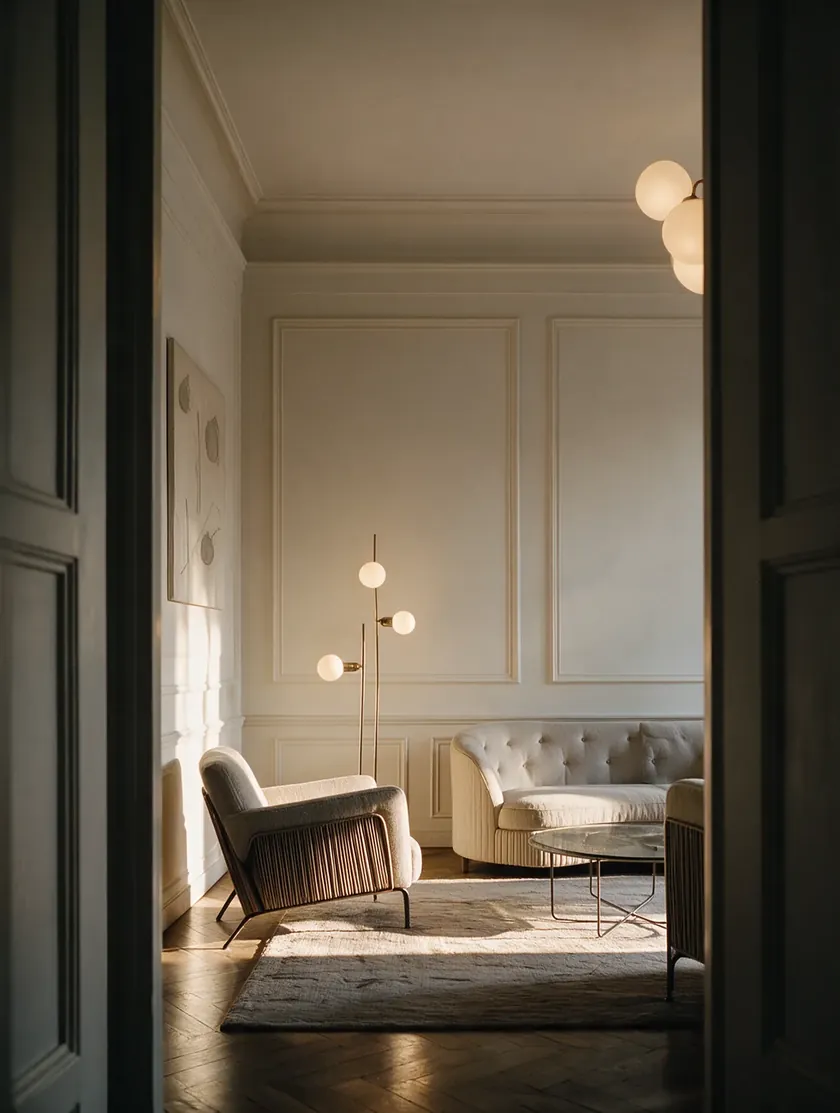
The sketch becomes a photo, and the photo becomes a sketch.
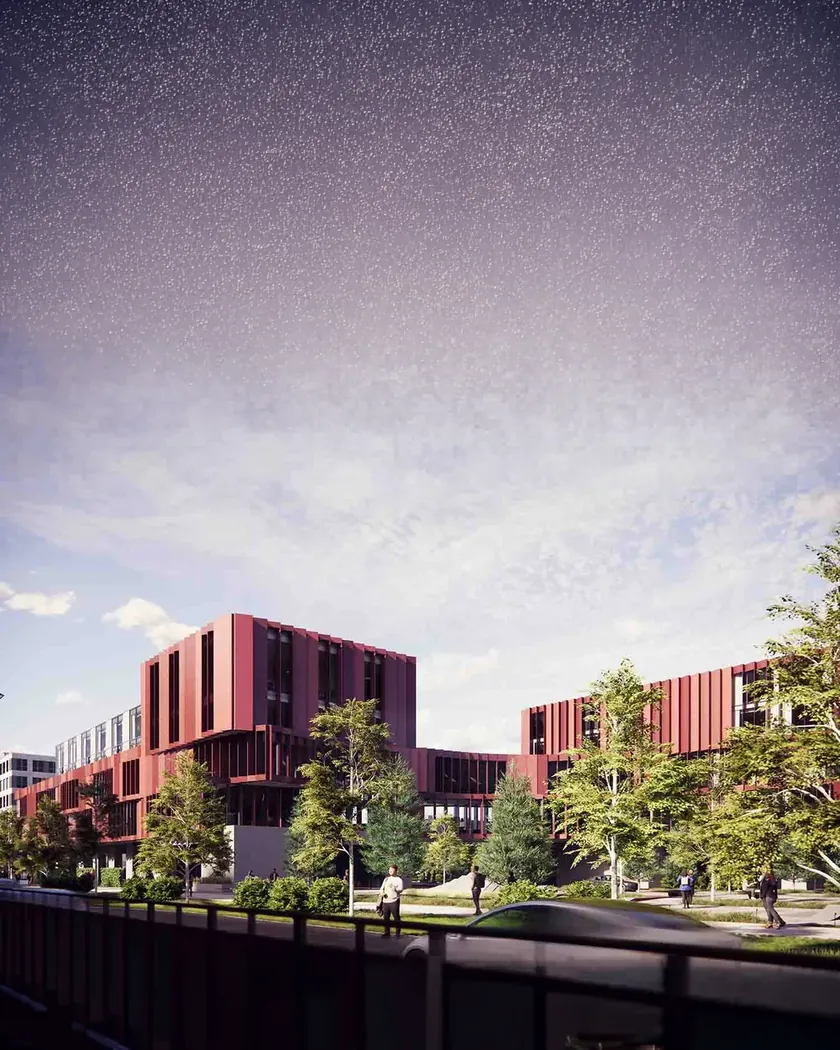
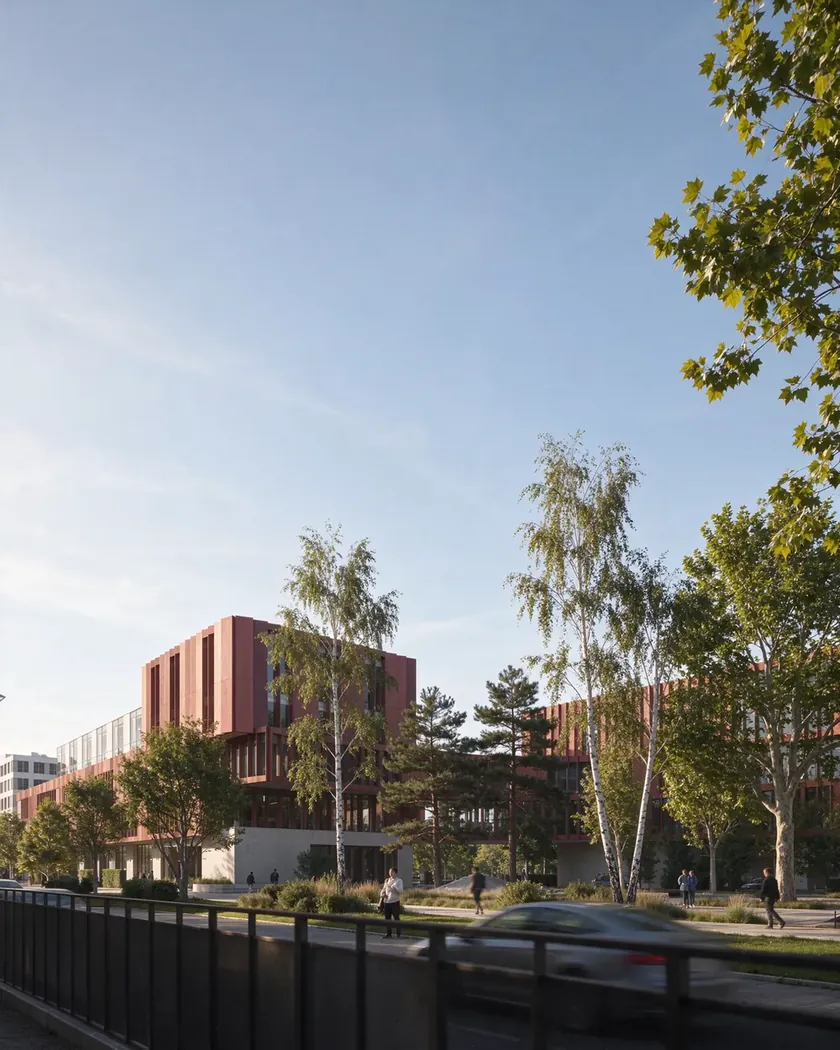
Turns a render you already have into a photograph. The design stays the same.
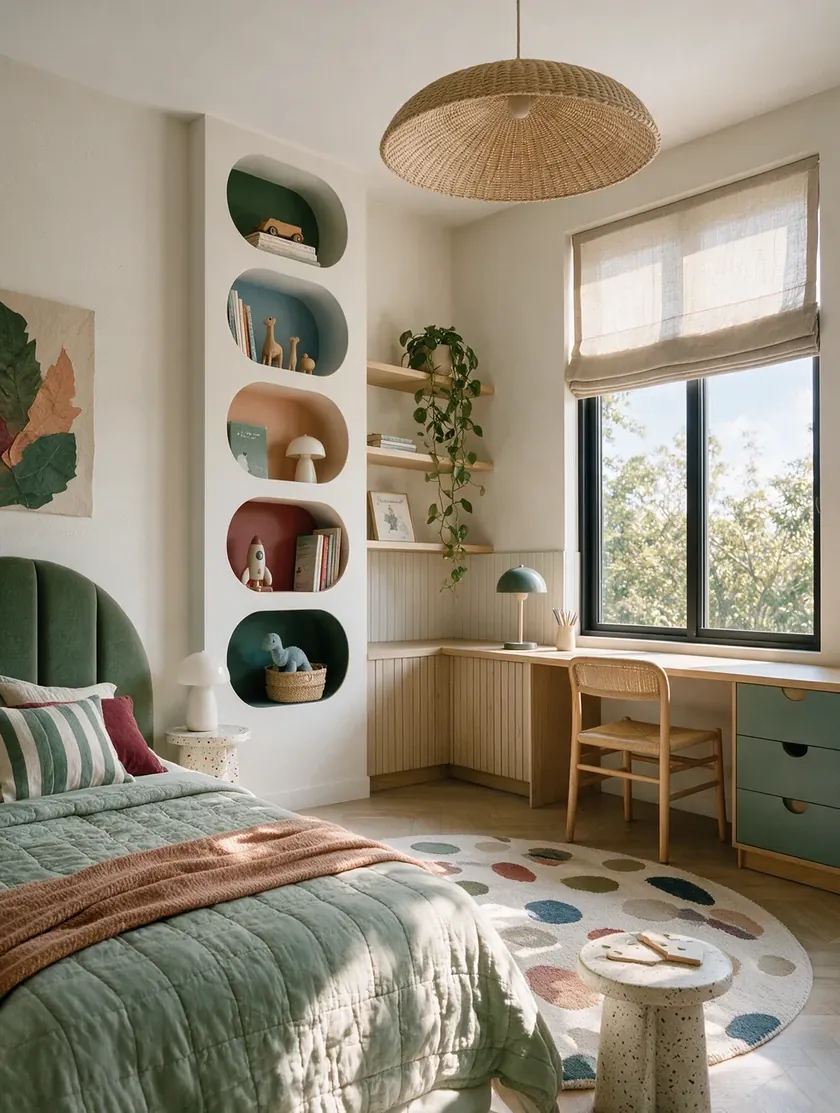
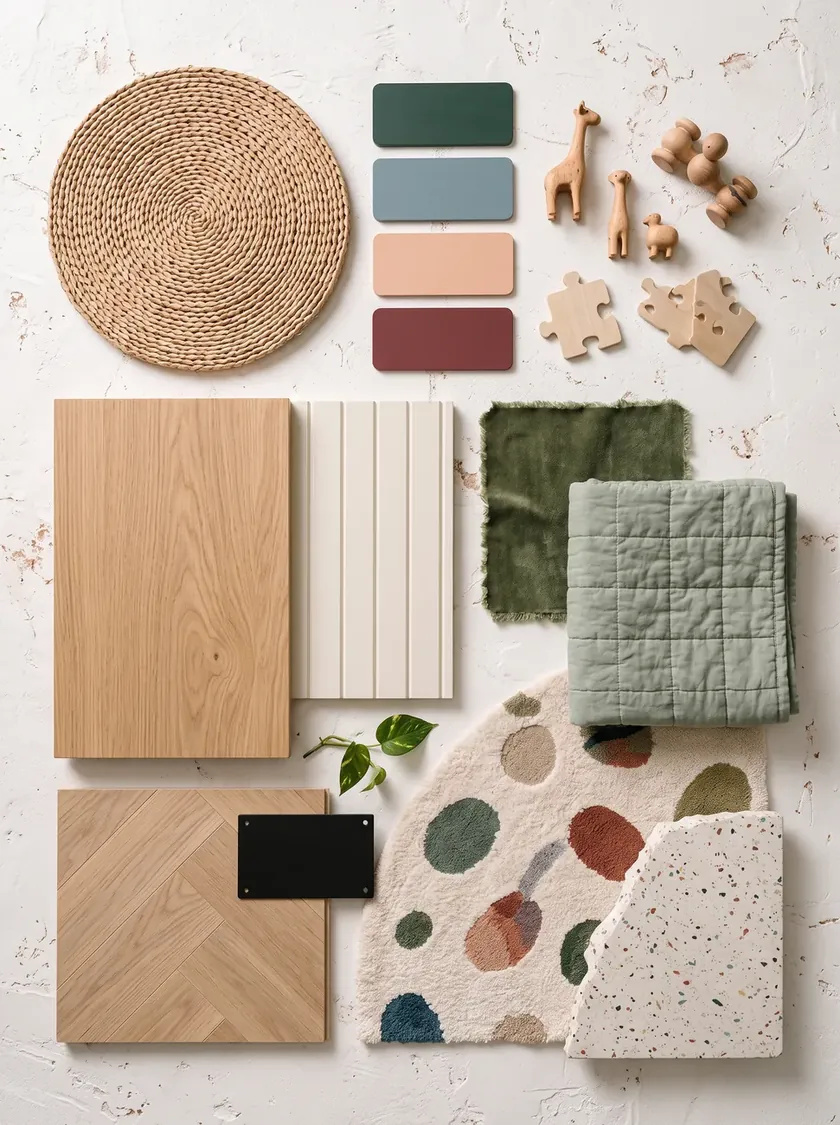
The materials, colors and pieces on a board to show the client.
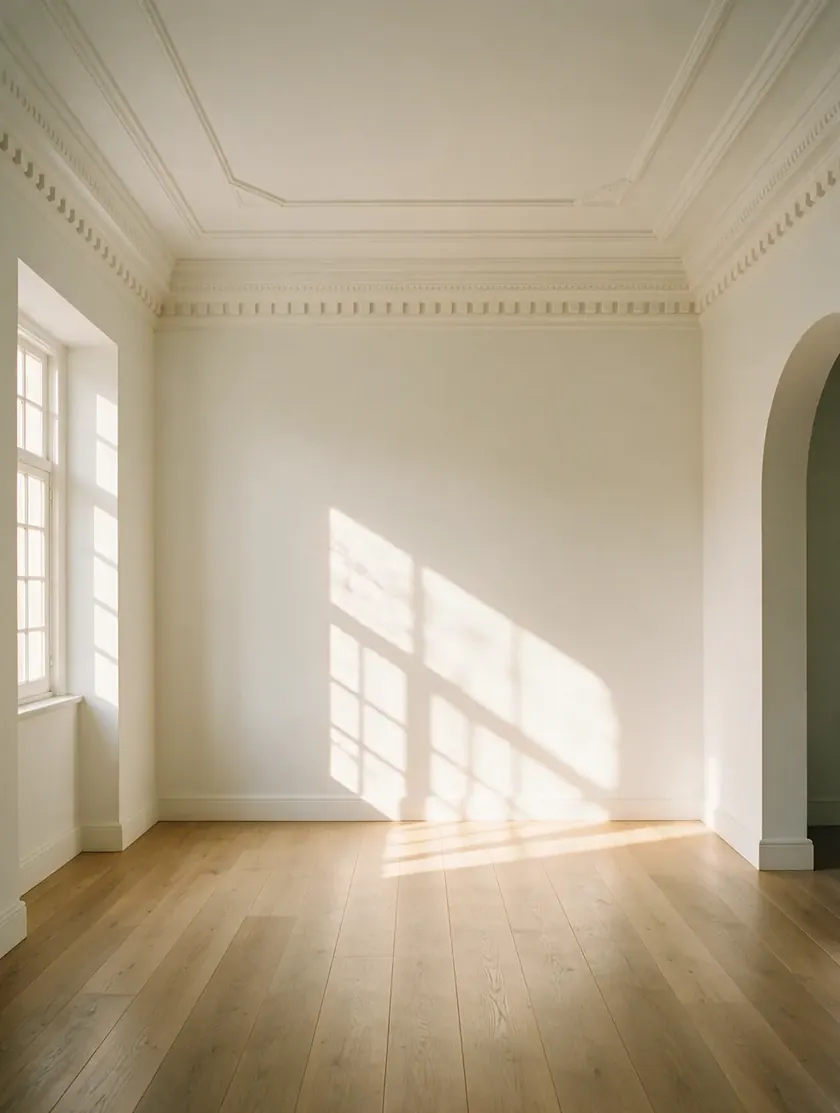
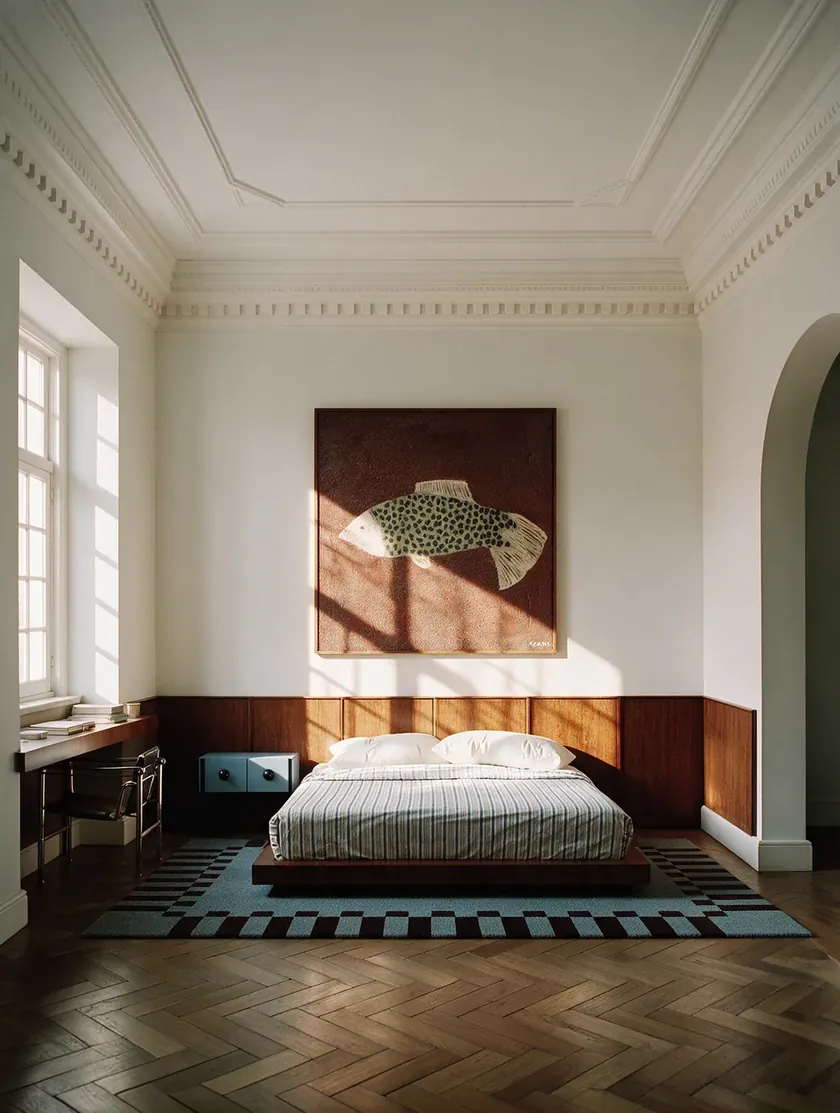
Furnishes the empty space with the design from your reference. Walls, openings and camera stay as they are.
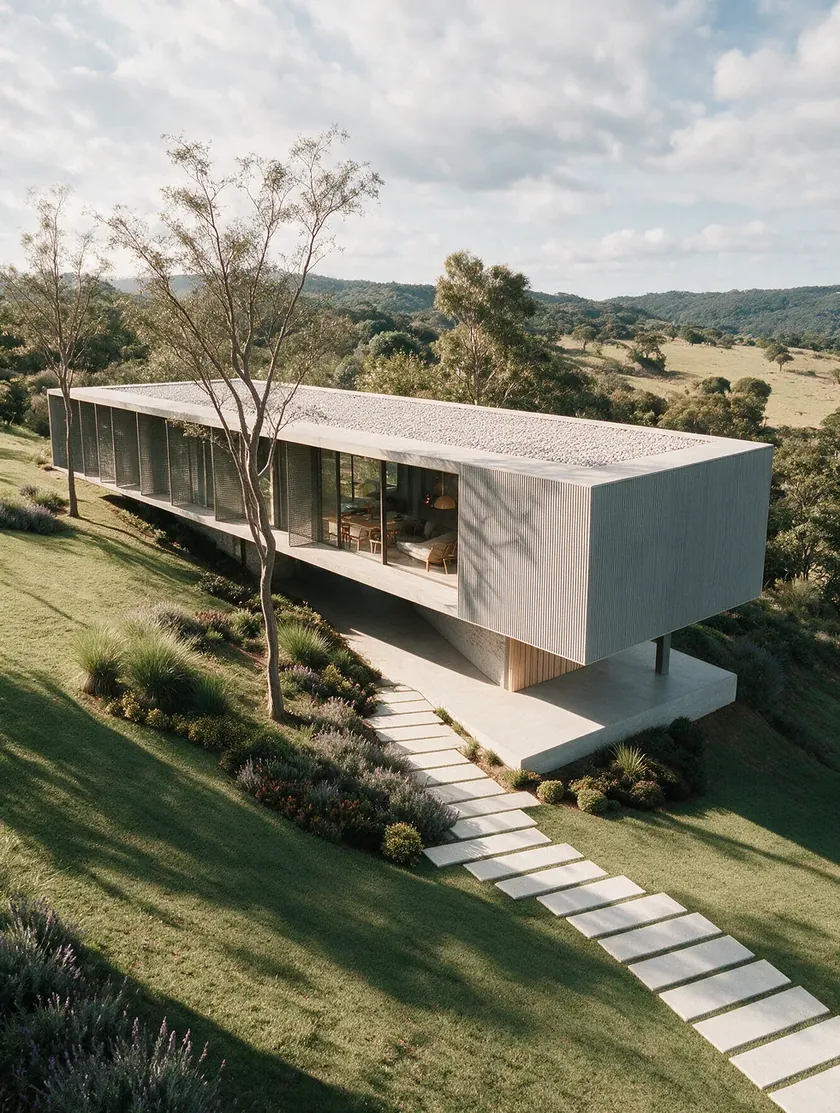
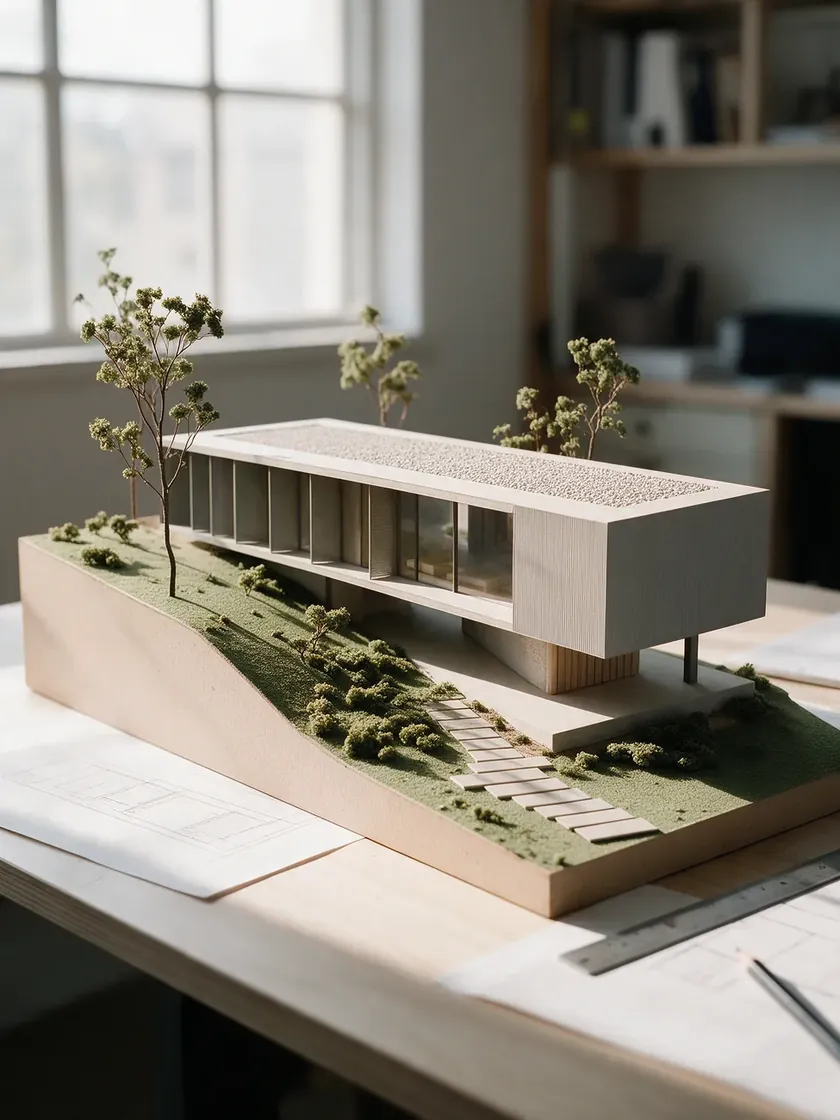
Turns the design into a physical model.
You mark where each figure goes, at the size it would have there in the scene.
The progress of the construction or the furniture assembly, from a single image.
The images of each project together in one folder, on the site and in the plugin.
Raises the resolution for sheets, big screens and banners. Up to 16x on Pro.
Paint what you want to fix, remove or swap. The rest of the image stays the same.
Extends the edge of the image when the framing came out tight.
In the plugin, no credits spent
There are 21 Cora tools in SketchUp, and all of them run on your computer. They organize materials and blocks, fix the texture, create light and reflection and make the file lighter.
Organizes your own material and block libraries and opens them all inside SketchUp.
Generates the reflection on the face of the mirror, so the AI understands the scene.
Smoked, bronze, silver, champagne or milky, with a translucent reflection.
The strip of light is stretched along the edge or face you choose.
One click on the surface and the spot goes in at that point.
A volume of light with the shape of the face you select.
The texture in place on curved pieces and volumes, without depending on the scale of the object.
Scatters the texture at random, and the pattern does not repeat between the faces.
Rotates 90°, at an angle you choose, or aligns the texture to the edge.
Varies the scale and rotation of the objects and shuffles the materials of the selection.
Repeats a component along straight or curved edges, as in a slatted panel.
Cleans up the geometry and removes what is not in use. The file gets lighter.
Cora Teams
For firms and teams of 2 or more people. Each person generates with their own account, and you manage everyone in one place.
Choose Teams Pro or Teams Studio and how many seats you need, starting at 2, counting your own account.
Invitations go out from the Teams page of the main account. Each person signs in with their own email, on the site and in the plugin.
Each person generates with the credits of their own seat. When someone needs more, the main account moves credits from one seat to another.
You pay for one subscription for the team and swap who takes each seat whenever you need to. Whoever leaves goes back to the Free account.
More than 10 people? Support sets up the team with you.
See plans for teamsCora lessons
47 short video lessons that get straight to the point. Watch only what you want to learn. You don't need to see it all to get results. Included in every plan.
 4 lessons
 9 lessons
 6 lessons
 10 lessons
 9 lessons
 5 lessons
 3 lessons
It's all in the Learn tab of your account. Mark what you've watched and ask questions in the comments.
You pay nothing else to generate.
The plan's credits already cover each image. No API key needed, and no charges on the side.
Starter
For those starting to render with AI.
US$ 26 US$ 21 /month on the yearly plan
About 60 projects a year
600 images in 1.5K
60,000 credits, all on day one
Pro Recommended
For those who render often.
US$ 52 US$ 43 /month on the yearly plan
About 144 projects a year
1,440 images in 1.5K
144,000 credits, all on day one
Studio
For studios with a high volume of images.
US$ 130 US$ 110 /month on the yearly plan
About 420 projects a year
4,200 images in 1.5K
420,000 credits, all on day one
Cora Teams
For firms and teams: one subscription for several seats, all managed in one place.
From 2 seats. More than 10 people? Support sets up the team with you.
Teams Pro
For teams that render often.
US$ 52 US$ 43 /month per seat on the yearly plan
About 144 projects a year
1,440 images in 1.5K
144,000 credits per seat, all on day one
Teams Studio
For studios with a high volume of images.
US$ 130 US$ 110 /month per seat on the yearly plan
About 420 projects a year
4,200 images in 1.5K
420,000 credits per seat, all on day one
Projects of 10 images, based on the average use of current subscribers.
Not sure yet?
Compare what changes from one plan to the next, tool by tool, and how much each one yields per month.
It does. In Batch, you approve one image and it becomes the project's reference. The other cameras come out with the same materials and the same light.
Yes. Every generated image uses credits, including when you redo it. To fix a detail, Edit uses far fewer credits than generating the image again.
Not the 3D file. Outside SketchUp, Cora starts from an image: a screenshot from Revit, Archicad, 3ds Max or Vectorworks, a site photo or a sketch. You upload the image in the web version and generate in the browser.
No. The plugin is the entry point for SketchUp users, but the web version starts from any image. If you work in Revit, Archicad, 3ds Max, Vectorworks, or create hand sketches, upload your image and start in the browser. Account, credits, and history are shared across both versions.
SketchUp 2022 and later. Keeping SketchUp on its latest version is still the best choice, since that is where the plugin runs lightest. If your SketchUp is older, the Cora web version works with a screenshot of your scene.
Yes, that is the goal. Cora was built so you no longer rely on heavy, slow renderers. Instead of spending hours setting up physical lights, material maps, and waiting on your machine, you generate presentation quality images in minutes, straight from your model.
Credits are the unit the AI uses on each generation. Starter, for example, includes 5,000 credits a month, about 50 images in 1.5K, based on the average use of current subscribers. On the annual plan, the whole year's credits arrive on day one. Local plugin tools don't use AI and don't consume credits.
No. The plan's credits already cover generating the images. You do not need an API key and there are no charges on the side: what you pay for is the subscription.
Not on the monthly plan: the credits are good for the month. On the yearly plan, the credits for the whole year arrive at once, on the first day, and you use them at whatever pace you like over the year.
You can purchase a top-up at any time. Extra packages are in your account dashboard, apply instantly, and do not depend on your renewal date. They are only consumed after plan credits run out, and stay valid for 6 months.
You create an account and get 7 days to explore the platform from the inside and use the plugin tools that run on your machine: materials, blocks, lights, mirror and glass, and file optimization. Image generation comes with the plan, because the plan is what brings the credits. We do not ask for a card during the trial.
No. Weak prompts are why AI makes mistakes, so that task is handled for you. Each Cora tool has an agent that writes technical prompts from your everyday description. Describe your project as you would to a colleague, and the technical side is handled automatically.
Yes. On any plan, the web version supports up to 3 devices and the plugin up to 2 computers, one at a time. You can manage and remove devices from your account dashboard.
No. It organizes and reads the libraries you already have: materials in .vrmat (V-Ray format) and components in .skp. If you already have a V-Ray library, point to the folder and keep working without converting anything.
Yes. Account verification and AI processing happen in the cloud. With the plugin open, local modeling tools keep working even if your connection drops.
Pick your plan and start generating today, in SketchUp or in the browser.